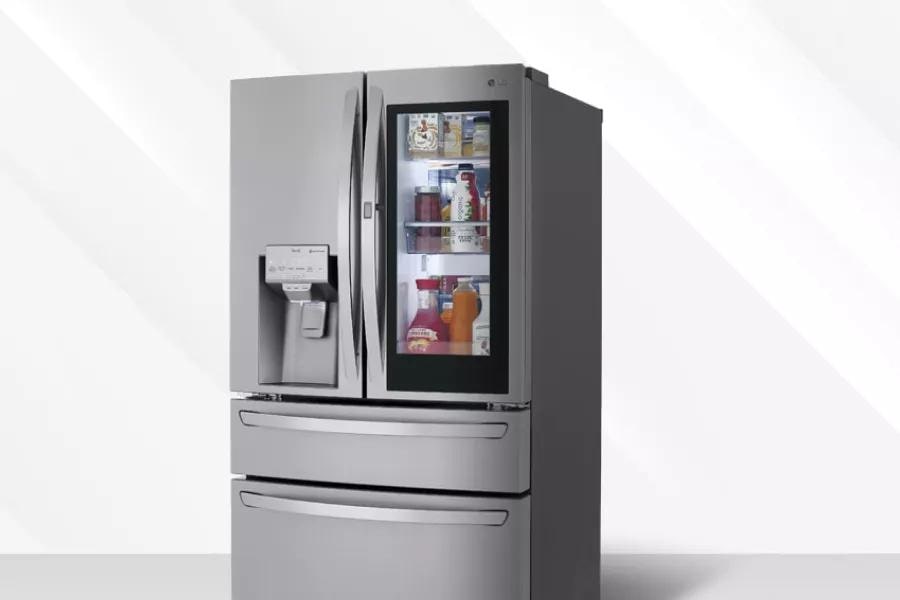
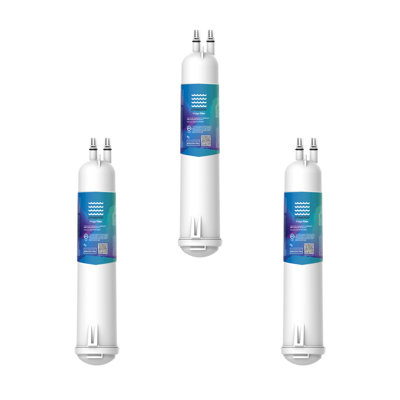
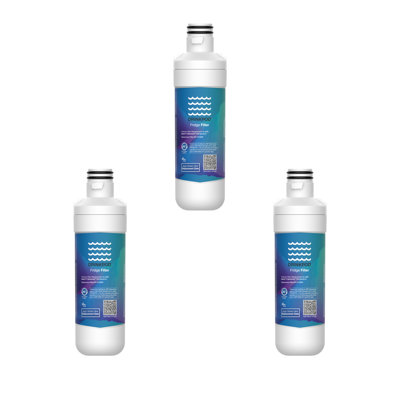
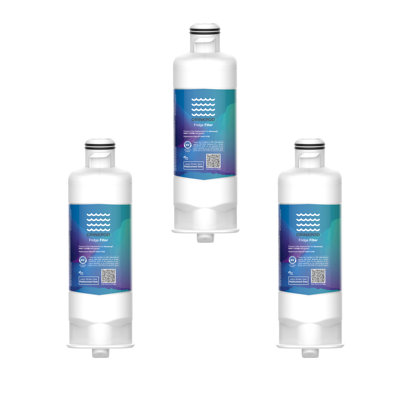
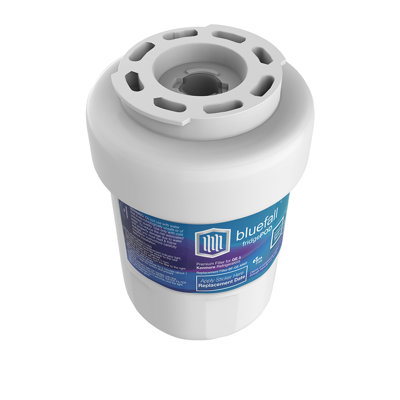
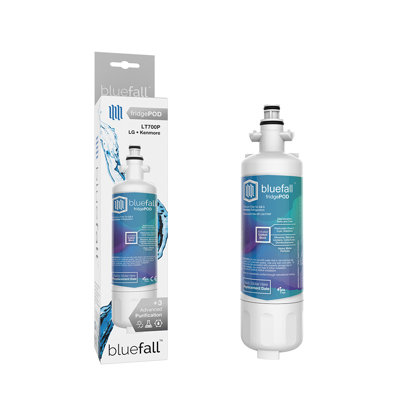
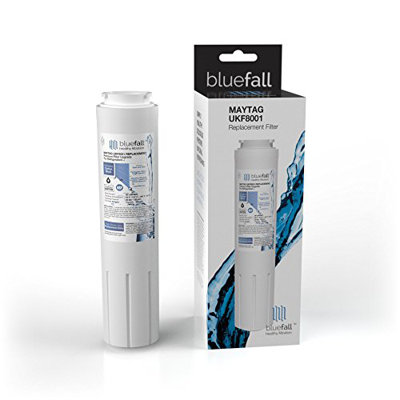
Smart water filter modules let you skip the guesswork and ensure you always have a fresh cartridge on hand. If you’ve ever wondered which smart module auto orders new water filters? you’re not alone. As more kitchens—from busy family homes to commercial cafeterias—get connected, these modules promise hands-off convenience. In this guide you’ll learn how smart modules work, which options lead the pack, and how to set one up so you never scramble for a replacement filter again.
Understand smart filter modules
Smart filter modules are tiny hardware or software add-ons that wirelessly track your fridge’s water filter status. Once installed, they measure flow rates, track usage hours, or monitor filter age and automatically trigger replacement orders before quality drops. Here’s what makes them a game changer for home cooks, office break rooms, and outdoor bars alike.
Flow-based tracking: Modules use built-in sensors to gauge how much water you’ve dispensed, calculating remaining life based on manufacturer specs.
Time-based tracking: Some rely purely on calendar days. After 6 months they send an alert or reorder regardless of usage.
App notifications: You get push notifications when your filter is nearing its end or when an order has shipped.
Auto reorder: Once you’ve signed up, new filters land at your door without a second thought.
Why it matters to you
When you’re juggling meal prep, entertaining friends, or managing a busy commercial kitchen, forgetting to replace a water filter can lead to off-tasting water or reduced flow. A smart module takes that task off your plate. And while you’re upgrading your fridge, don’t forget routine cleaning to keep everything running smoothly—check out how to clean your fridge inside and out to pair filter replacement with a full refresh.
Evaluate module features
Before you pick a smart module, it helps to know what to look for. Here are the core features you’ll find across leading brands:
Connectivity options
Wi-Fi vs Bluetooth: Wi-Fi modules stay connected at all times, so alerts and orders go through instantly. Bluetooth options can save a little energy but require you to be nearby.
App ecosystem: Modules tie into proprietary apps (GE SmartHQ, LG ThinQ, Samsung SmartThings) or universal home hubs.
Auto reorder triggers
Usage-based: Orders kick off based on water gallons dispensed.
Schedule-based: Filters ship every 3, 6, or 12 months.
Hybrid: Combines flow data with elapsed time for a fail-safe.
Notification methods
Push notifications
Email reminders
In-app pop-ups
Subscription management
Pause or skip shipments
Change address or payment info
Bundle multiple filters
Compatibility and cost
Works only with select fridge models or universal attachments
Subscription fees range from $5 to $15 per month, or per filter
Picking the right module for your lifestyle means balancing convenience, cost, and how you interact with smart home tech. If you also run a beverage station or water dispenser, consider pairing your module with a dedicated unit—see purchase water dispenser for tips on choosing one.
Compare leading smart modules
Below is a quick comparison of four popular smart reorder solutions. Use this table to narrow down which smart module auto orders new water filters? fits your setup best.
Module
Compatible refrigerators
Connectivity
Reorder basis
Subscription cost
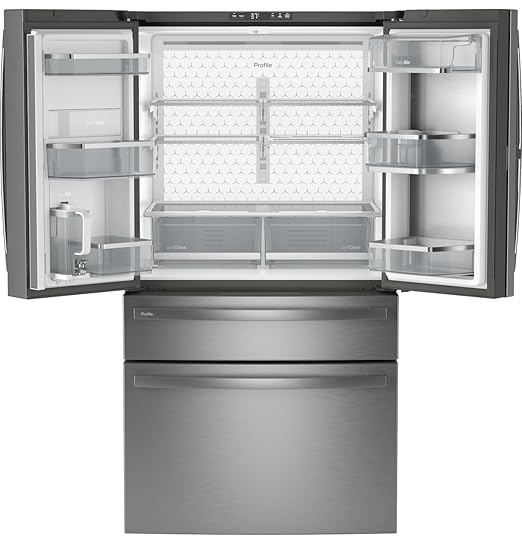
GE Profile SmartHQ Connect
GE Profile series
Wi-Fi
Flow or time
$10/month or $100/yr
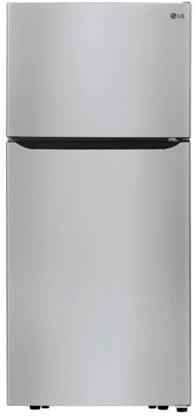
LG ThinQ filter manager
LG InstaView, French Door
Wi-Fi
Flow
$9.99 per 6-month filter
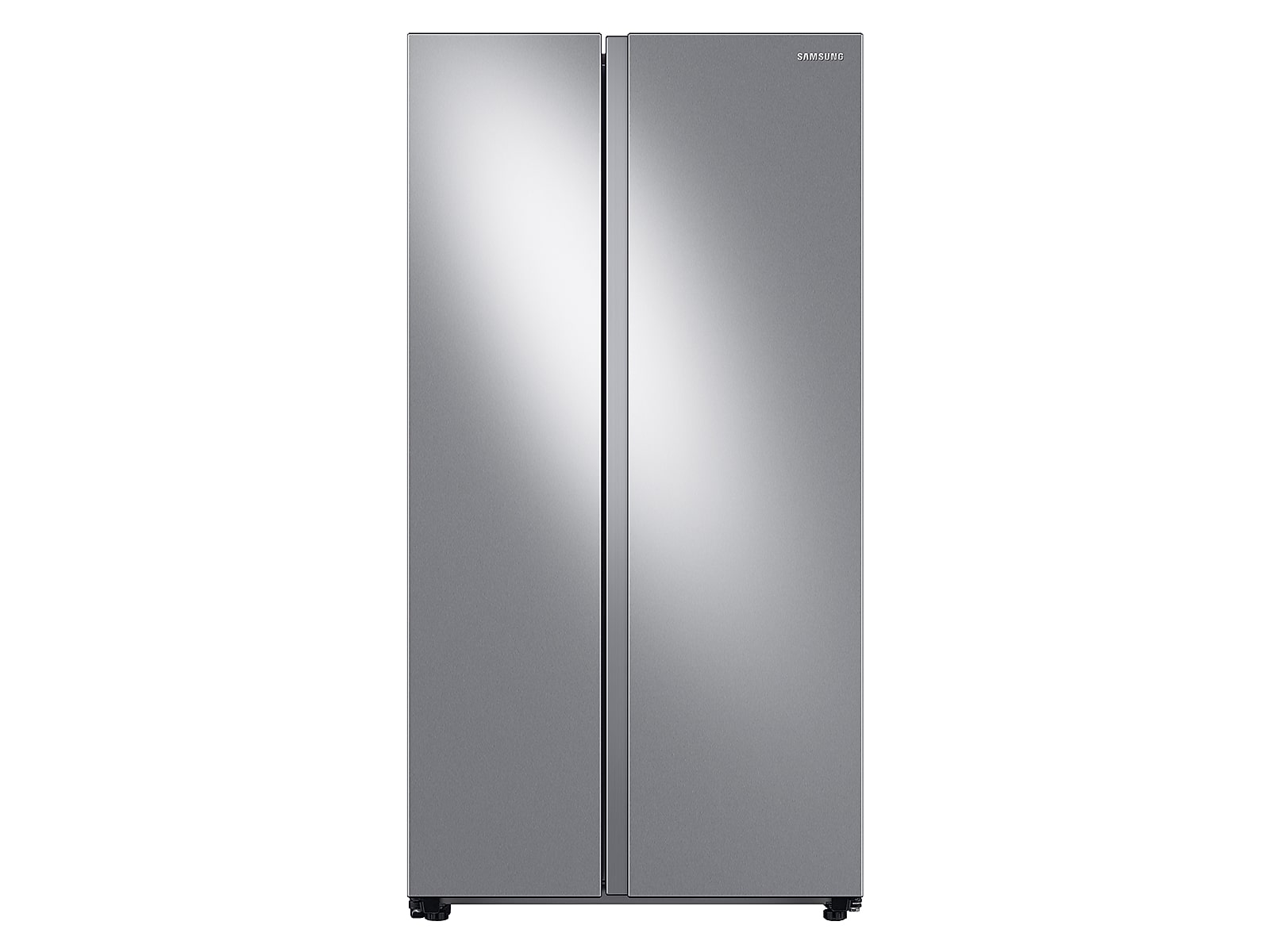
Samsung SmartThings water filter app
Samsung Family Hub, FlexZone
Wi-Fi / Zigbee
Time
$12 per filter
Amazon Dash Replenishment Service
Any smart-enabled fridge
Wi-Fi
Flow or time
Pay per filter
GE Profile SmartHQ Connect
How it works
You install the SmartHQ Connect module inside your GE Profile fridge or simply pair via the SmartHQ app. The module syncs with GE’s water filter sensor, tracking gallons dispensed. When you hit 90% of filter life, it sends an alert and automatically places an order through GE’s subscription service.
Pros and cons
Pros: Tight integration with GE’s EveryDrop filter lineup, reliable notifications, free standard shipping
Cons: Only works with GE Profile refrigerators, subscription can feel pricey
LG ThinQ filter manager
How it works
LG ThinQ filter manager lives in the ThinQ app. After you scan your filter’s QR code, the system tracks filter life based on your stated usage levels. You can choose to auto reorder with each cycle or receive alerts to manually reorder through LG’s online store.
Pros and cons
Pros: Works with a range of LG models, app supports voice commands via Google Assistant or Alexa
Cons: Subscription limited to LG-branded filters, manual reorder option only
Samsung SmartThings water filter app
How it works
Samsung’s SmartThings ecosystem includes a water filter card. You add your fridge device to SmartThings, select auto reorder, and the system mails you filters every 6 months. No flow sensor needed—this one runs purely on schedule.
Pros and cons
Pros: Integrates with other SmartThings devices, simple schedule-based reorder
Cons: No usage-based tracking, can send replacements too early or too late based on actual water use
Amazon Dash Replenishment Service
How it works
Amazon partners with select appliance brands to enable Dash Replenishment. Once your fridge’s filter sensor is connected to Amazon’s API, it detects when you hit a predefined usage threshold and auto-places an order in your Amazon account. You pay per filter with no ongoing monthly fee.
Pros and cons
Pros: Works across multiple brands, no subscription fee, easy returns and Amazon Prime shipping
Cons: Setup can be technical, relies on third-party integration so not all models are supported
Getting your smart module in motion is straightforward. Follow these steps to turn on auto reorder in minutes.
Connect your fridge to your home network
Ensure your fridge’s Wi-Fi antenna is active.
Launch the manufacturer’s app (SmartHQ, ThinQ, SmartThings or the Amazon app).
Follow on-screen directions to link the fridge.
Register your filter module
Open the filter management screen in the app.
Scan the filter QR code or enter the filter model number.
Confirm connectivity to the module sensor.
Enable automatic reordering
Toggle on “Auto reorder” or “Subscribe & save.”
Choose your shipping frequency—flow-based or time-based.
Enter payment details if prompted.
Confirm shipping details
Verify your address and estimated delivery times.
Opt for expedited shipping if you need filters fast.
Save your preferences and review the first order.
Test reorder notifications
Trigger a test alert if the app offers that option.
Check that you receive a push notification or email.
Once you’re set up you can relax knowing replacements will arrive before you run dry.
Maintain your water filter
Auto reordering solves one challenge, but you still want peak performance from your filter and module.
Clean filter housing
Every few months wipe down the filter housing and surrounding gasket area. Dust or debris can impair the sensor’s readings. Use a soft cloth and mild detergent, then dry thoroughly before inserting a new filter.
Monitor filter status
Even with auto orders, glance at the app dashboard once a week to confirm filter life and delivery schedules. If life suddenly drops faster than expected you may have a leak or heavy usage—adjust your reorder frequency accordingly.
Replace filter manually if needed
If you suspect reduced water flow or taste changes before your scheduled shipment arrives, swap in a new filter and reset the module’s timer. Most apps let you log an early change so the system recalculates your next reorder date.
Troubleshoot reorder issues
No notifications: Verify app permissions for push alerts.
Order not placed: Check payment method validity.
Duplicate orders: Log into your subscription account and pause overlapping shipments.
Sensor errors: Reinsert the filter module and power-cycle your fridge if the app shows a “no sensor detected” message.
For broader fridge care including temperature checks and airflow management see fridge temperature regulation and adjustment.
Optimize filter subscriptions
Once your system is humming, you can fine-tune subscriptions to fit your routine and budget.
Sync with grocery apps
Link your filter subscription with grocery delivery services that support smart home integrations. Some grocery apps let you combine filter shipments with weekly grocery orders for fewer deliveries.
Adjust reorder frequency
If you host big events or use more water during summer, temporarily switch to a heavier usage setting in your app. When usage declines, revert back to standard scheduling.
Pause or cancel plan
Most services let you pause your subscription from the app. Handy if you’re away on vacation or switching residences. Simply resume when you’re back.
Bulk ordering options
If you like keeping spares in storage—especially useful for busy restaurants or off-grid cabins—order multi-packs through your supplier’s online portal. You might qualify for volume discounts.
Smart modules that auto order new water filters save you time and ensure your water stays fresh, clear, and great tasting. Whether you choose GE Profile SmartHQ, LG ThinQ, Samsung SmartThings, or Amazon Dash Replenishment, setup is quick and maintenance is minimal. You’ll gain peace of mind knowing you’ll never be caught with an expired filter again.
In the end you’re the best judge of which features matter most—flow tracking, schedule-based reminders, or seamless integration with your existing apps. Whichever path you take, your fridge will remind you when it’s time, ship your replacement, and let you focus on what really matters—enjoying crisp filtered water for cooking, entertaining, and everyday life.
Free tool
Refrigerator Noise Level Calculator
Free interactive tool from Fridge.com — get a quick answer while you read.