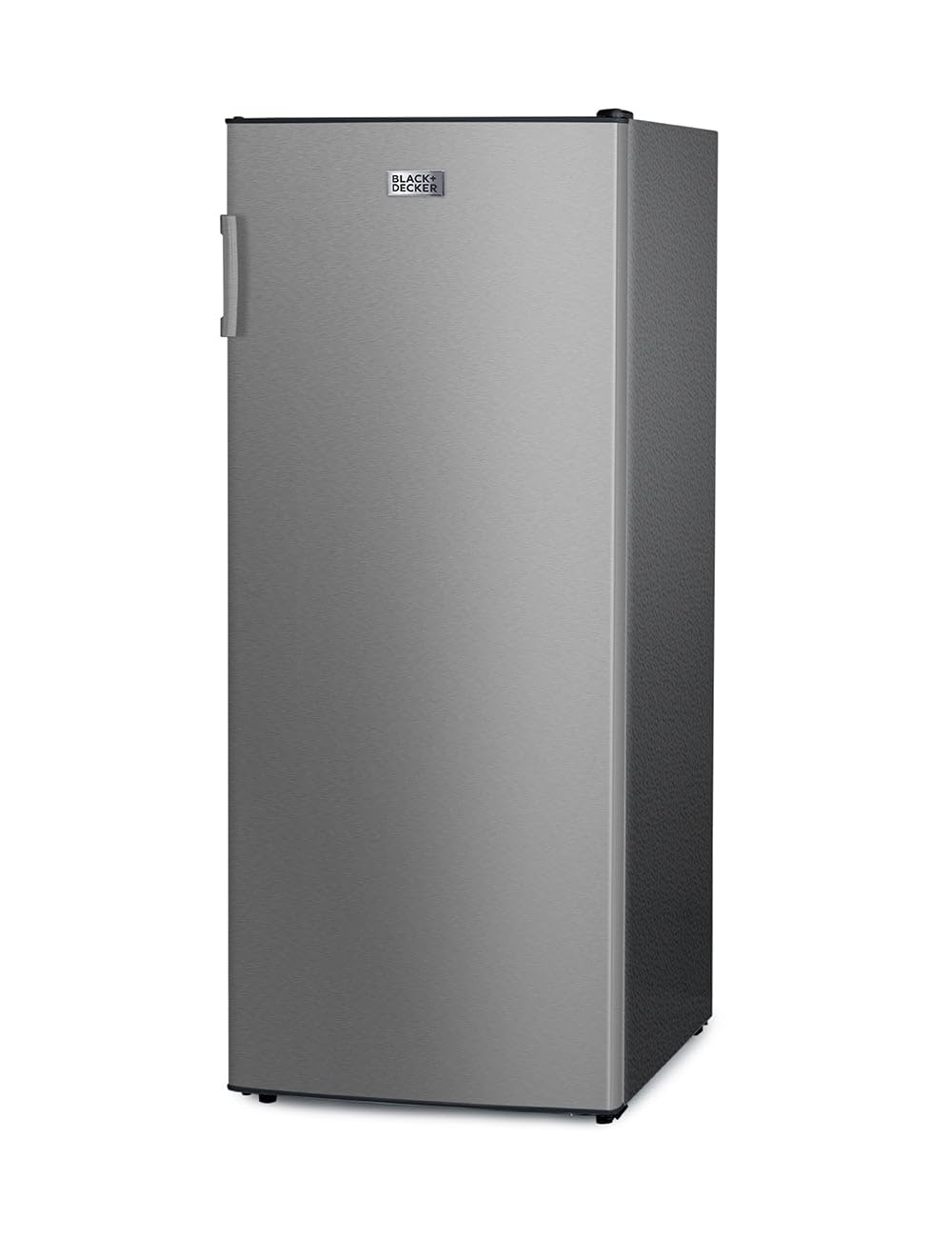
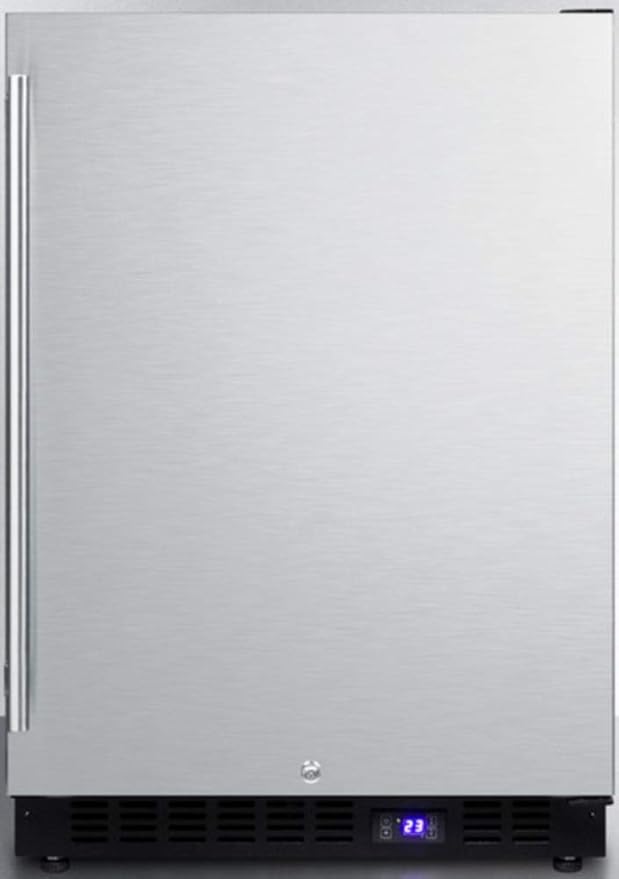
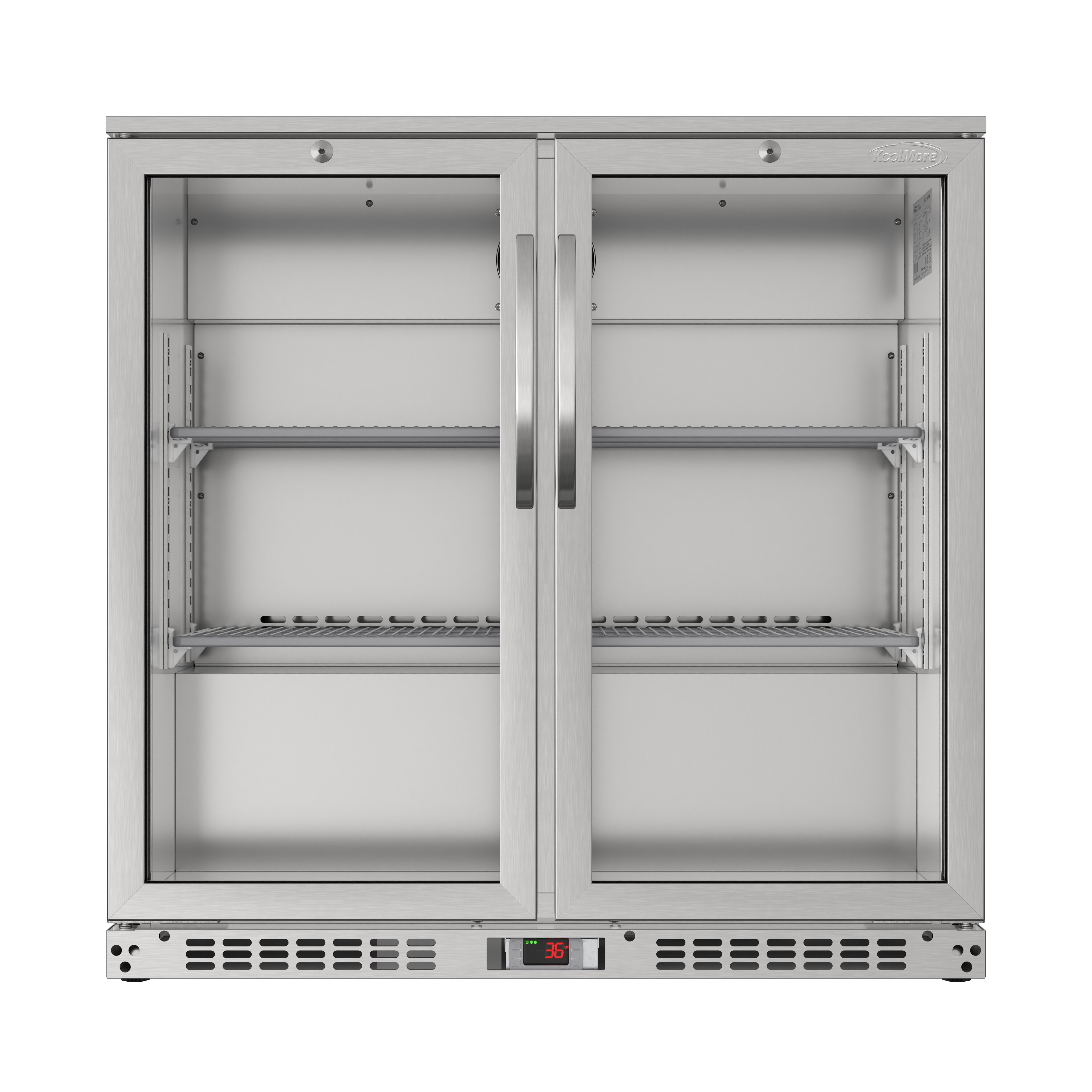
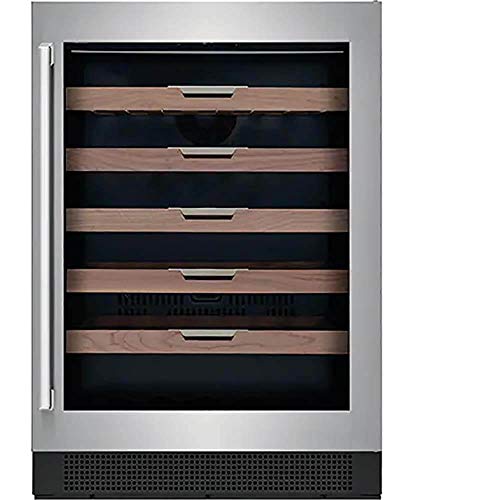
When you’re stocking your fridge, you’ve probably asked what door alarm silences temporarily for stocking? That constant beep every time you open or close the door can interrupt your flow, especially if you’ve got crates of groceries, kegs of craft beer, or trays of fresh produce to load. Modern refrigerators and freezers come with door alarms to nip energy waste and spoilage in the bud, but that safety feature can feel more like a nuisance when you’re in stocking mode.
In this guide, you’ll explore why your unit beeps, the built-in mute features that let you pause alerts, and step-by-step how to activate temporary silence. You’ll also get troubleshooting advice for stubborn alarms, practical stocking tips to speed up the process, and a quick comparison of common alarm systems across top fridge brands. By the end, you’ll know how to keep your fridge fully stocked—and your kitchen peacefully quiet.
Understanding door alarms
What are door alarms?
Door alarms are audio-visual alerts built into most refrigerators and freezers. They monitor how long a door stays open or ajar. If the door remains open past a preset threshold—often 30 seconds to two minutes—the unit emits a series of beeps and flashes a light on the control panel. This warning helps prevent:
- Cold air loss that drives up energy bills
- Temperature spikes that spoil food
- Frost buildup in freezers
Why alarms go off
Your fridge’s alarm isn’t a prank—it’s a guard against waste. Here are common triggers:
- Extended open time: You left the door open too long while searching for that bottle of sauce.
- Improper seal: A worn gasket or loose hinge lets the door sit slightly ajar.
- Power interruption: A brief outage or voltage dip can reset the alarm.
- Sensor glitch: Dust or moisture on the sensor can send a false open signal.
If you ever want to explore related issues—like what happens if you forget to close the fridge door overnight—check out our deep dive on door-seal risks and remedies.
Benefits of muting alarm
Smashing through your grocery haul without beeps isn’t just about peace and quiet. Muting the alarm temporarily delivers real advantages:
- Reduce noise pollution. Whether you’re stocking at dawn in a shared kitchen or loading up a break room fridge, silence helps you focus.
- Speed up the workflow. No more pausing to reset the beep—just open, grab, restock, and close.
- Protect family and colleagues. If you’re storing baby food or meal-prepping late at night, muting prevents waking kids or disturbing office mates.
Pair temporary silence with efficient stocking (see “Stocking tips and tricks” below) and you’ll finish in record time—no beep marathon required.
Identifying mute modes
Most fridge and freezer brands include one or more ways to pause or quiet the door alarm. The exact label and duration vary, but common mute modes include:
Temporary pause mode
Often called “door alarm pause” or “stocking mode,” this lets you silence the beeps for a fixed window—usually five to ten minutes. You’ll find a dedicated button or touchscreen option on the control panel.
Alarm off button
Some units have an “alarm off” or “mute” button. Press it once to turn alerts off entirely until you power-cycle or reactivate the alarm manually.
Sabbath mode
On select premium refrigerators, Sabbath mode disables lights, displays, and alarms for up to 72 hours to support uninterrupted observance. Keep in mind shelf temperature monitoring may be less precise when Sabbath mode is active.
Child lock
Originally meant to block unintended changes to settings, engaging child lock on some models also pauses door alarms. Use the combination sequence in your manual to toggle child lock and silence alerts.
Vacation mode
Vacation or energy-saving mode dims displays and suspends certain features, including door alarms, to conserve power. It’s not designed for quick stocking sessions, but it can double as a long-term mute function if you’re away.
Activating temporary silence
While controls differ by make and model, these general steps apply to most refrigerators and freezers:
- locate the control panel
- look for the door alarm icon or button (often shaped like a bell or door)
- press or touch that icon once for a full mute, or hold it for three to five seconds to activate a timed pause
- confirm on the display that alarm silence is active (you may see “door alarm off” or a timer counting down)
- restock your shelves, trays, or bins
- after the timer ends or you power-cycle, the alarm returns automatically
If you need exact instructions, check your user manual. Below is a quick reference table of typical brand implementations:
| Brand | Feature name | How to activate |
|---|---|---|
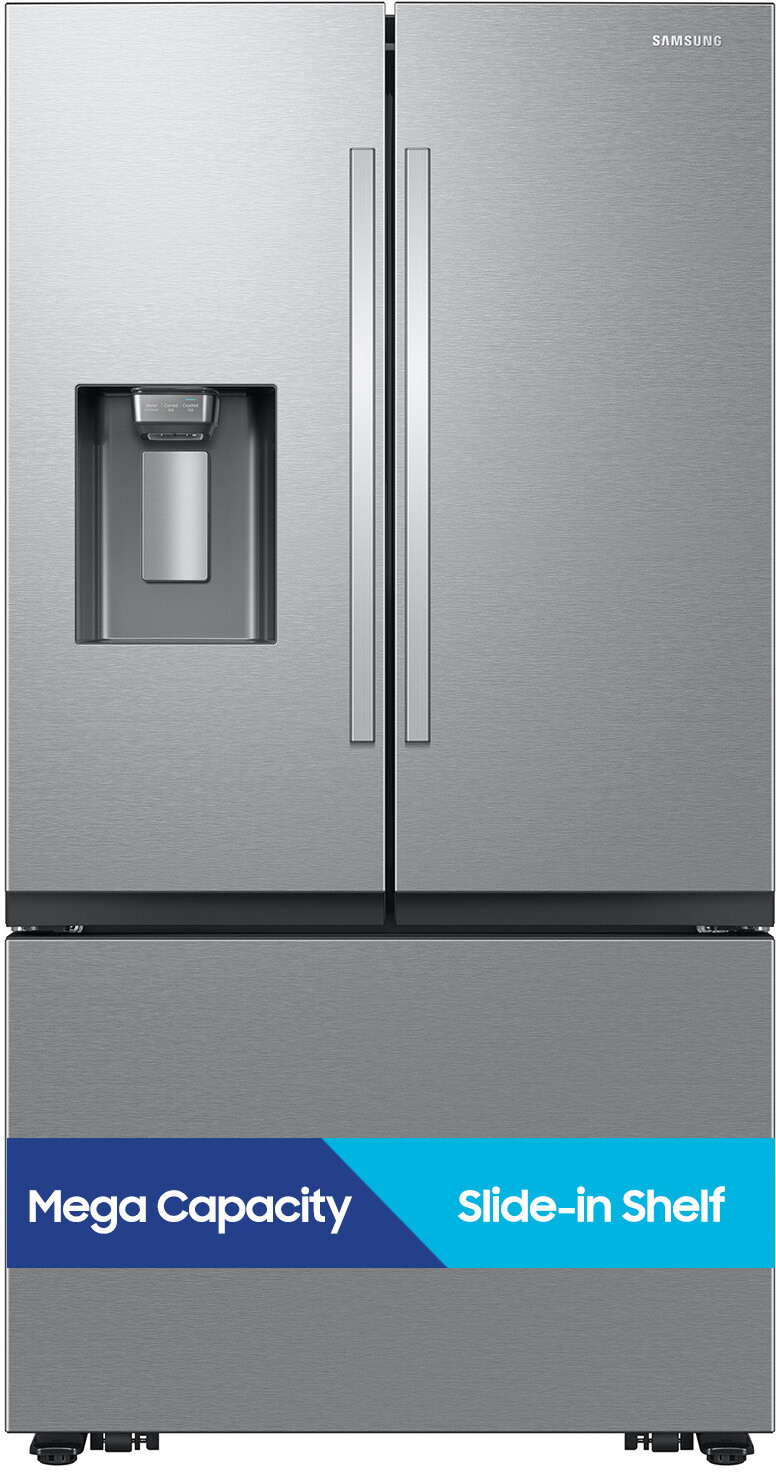
| Samsung | door alarm cancel | Hold bell icon for 3 seconds |
| LG | alarm mute | Press alarm key twice |
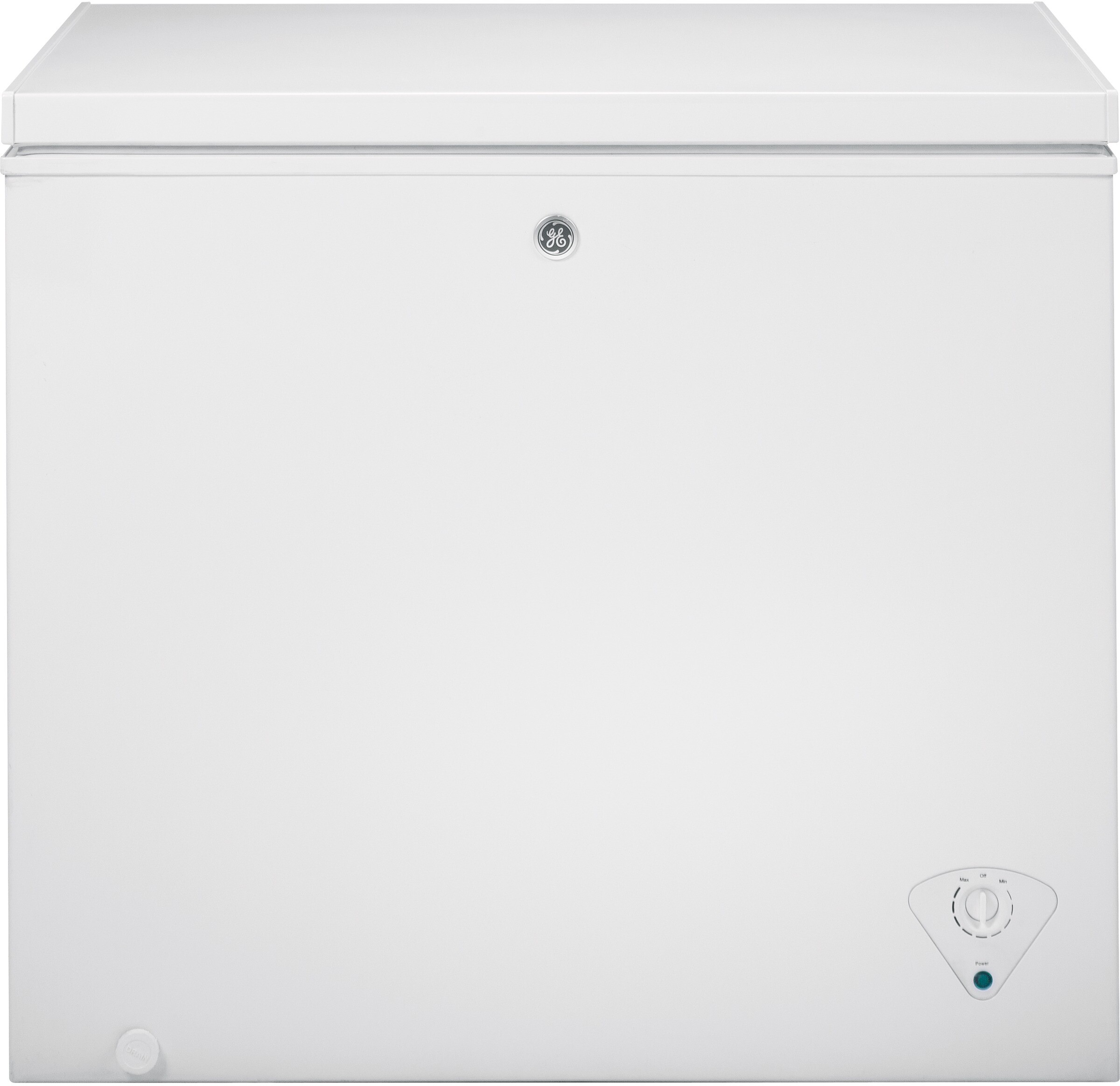
| GE | alarm off | Settings > select “Alarm Off” |
| Whirlpool | quick mute | Hold door icon for 5 seconds |
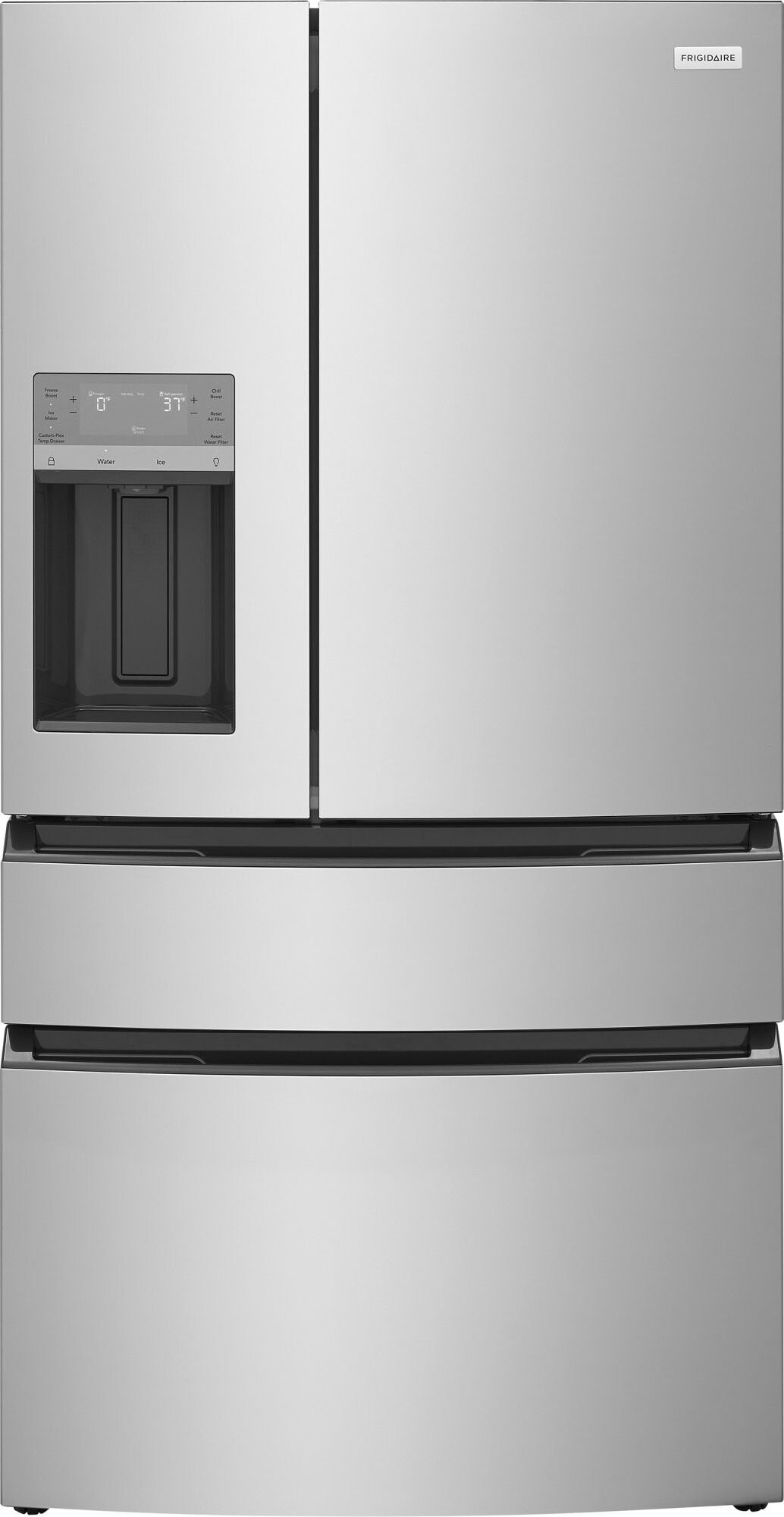
| Frigidaire | control lock | Press and hold Lock for 3 seconds |
Keep in mind mute duration ranges from indefinite (until you reactivate) to 5–10 minutes. Always test with the door ajar to ensure the feature worked.
Troubleshooting alarm issues
Even when you know how to mute, things can go sideways. Use this quick-reference table to diagnose common problems:
| Symptom | Possible cause | Quick fix |
|---|---|---|
| Alarm won’t mute | Incorrect button press | Hold icon longer; consult manual |
| Alarm reactivates early | Timed pause expired | Mute again or switch to full alarm off |
| Beeps without opening | Sensor blocked or faulty | Clean sensor, check gasket seal |
| Alarm bypass locked out | Child lock or Sabbath mode active | Disable child lock or exit Sabbath mode |
If sensor dirt is an issue, wipe the switch area with a soft cloth and mild soap. For gasket or hinge alignment, you may need a service call. And if you’re still stuck, your brand’s support line or technician can walk you through an advanced reset.
Stocking tips and tricks
A silent alarm is great, but you’ll save even more time with streamlined stocking strategies:
- Pre-sort by zone. Group vegetables, dairy, beverages, and condiments separately. Stock items that need the coldest spots (meat, fish) first, then move upward for lighter goods.
- Work in batches. Instead of unloading every bag at once, bring your groceries to the counter, sort into trays or bins, then make one trip per zone.
- Cool hot foods first. Let anything still warm sit on the counter until it hits room temperature. This prevents your compressor from overworking and avoids extra alarms from temperature fluctuations.
- Use clear bins. Transparent storage helps you see empties and prioritize what to refill next. It also speeds up the door-open time.
- Label open items. A quick label or color-coded cap helps you grab the right bottle or jar without extra seconds of door-open time.
For more space-saving ideas, check out our tips to double freezer space this summer.
Comparing alarm features
Not all door alarms are created equal. Here’s how to weigh choices if you’re shopping for a new refrigerator or freezer:
Analog vs digital alerts
- Analog: simple beeps and lights, reliable but less customizable
- Digital: touchscreen menus let you set custom mute times, integrate with smart home apps
Audible vs visual emphasis
- Audible: louder beeps, ideal when you step away from the unit
- Visual: flashing indicators, good for quiet environments but can be missed if you’re not looking
Smart integration
Higher-end models let you track door open events via an app, receive push notifications, and silence the alarm remotely. If you stock fellow craft beer enthusiasts in a garage fridge or manage a cafeteria cooler, smart features can add real convenience.
Duration and recall
Some systems pause alarms for minutes only, others until the next power cycle. If you need extended stocking sessions, choose a fridge with a true “alarm off” button rather than a short-duration pause.
Keep your kitchen quiet
With the right mute feature and a few stocking hacks, you can load your fridge or freezer quickly without that nagging beep. Remember:
- identify your unit’s mute option
- practice activating it before you start
- sort and prep your items for efficient restocking
- troubleshoot sensor or seal issues as they arise
Whether you’re a home cook, a chef stocking a commercial kitchen, or an RV owner filling a mini fridge, you’ll appreciate the calm when the door stays open. Armed with this guide, you’ll master the question of what door alarm silences temporarily for stocking and keep your kitchen—or break room—as quiet as you like.