Fridge.com Logo
Fridge.com | Blog

How To Reset Filter Status On Fridge

Share Fridge.com:
Image for How To Reset Filter Status On Fridge
Mark Davis
Fridge.com Editorial Team
8 min read
May 19, 2025(Updated Oct 17, 2025)

Understanding Fridge Filter Status

Keeping Tabs on Your Fridge's Lifeline

Keeping your fridge's filter in check is all about making sure you're sipping on clean and safe water. Your fridge's job is to kick out all those nasty impurities, leaving you with fresh H2O and ice for the whole bunch. When the "change filter" light blinks, it's your fridge saying, "Hey, time to swap me out!" Skip this step and you're basically rolling the dice with water quality.

That little status light is like your fridge's diary, telling you when it's tired and needs a new filter. Knowing how to reset that filter status is just as important as changing it in the first place. Here's why:

Heads Up What's Up with That?
Drink Quality A fresh filter zaps out the bad stuff, so the water stays clean.
Smooth Operator Change your filter on time, and your fridge runs like a dream, avoiding nasty breakdowns.
Wallet Friendly Keep those pricey utility bills in check by not overworking your fridge.

If you're rooming with mates or have a full house, keeping tabs on filter changes means no awkward convos about who's on fridge duty this week. Stay on top of filter status and you'll keep your fridge working longer too. Hitting that reset button on your filter status is a cheat sheet for knowing when your fridge needs new parts.

Curious about keeping your fridge and its buddies in tip-top shape? Check out some neat tips on how to spruce up your shiny French door fridge or find the coolest freezer for your place in Montgomery.

Locating the Filter Reset Button

Looking for the filter reset button on your fridge? No sweat! It's all about knowing where to poke around.

Finding the Reset Button on Your Fridge

Alright, here's the scoop: more often than not, the filter reset doodad hangs out on your fridge’s control panel. It could be chilling inside the compartment, lounging on the front, or maybe it’s part of a fancy digital display, all depending on your fridge's style. Let's break it down:

Where to Peek What's the Deal?
Control Panel Usually plays hide and seek either at the top or along the sides of the door
Inside Fridge Could be relaxing along the walls, just waiting to be found
User Manual Crack that manual open for the deets specific to your model

Stuck in the hunt? These tricks might just do the job:

  • Search for a blatant "Reset" button. Some fridges don’t mind making it obvious.
  • Poke around a touchscreen display. Look for symbols like gears or wrenches—your reset might lurk there.
  • Read the dang manual. Hey, each fridge has its quirks, so those instructions might save you some head-scratching.

Got your hands on the reset button? Sweet! Time to tackle the task of getting your filter status back on track. If you want more handy tips, you can check out our guide on how to reset filter status on fridge. Keep that water and ice tasty, my friend!

Step-by-Step Guide to Resetting Filter Status

Resetting your fridge's filter status is as easy as pie. Stick to these steps, and your refrigerator will be on its A-game in no time.

Pressing the Reset Button

First off, you need to hunt down that reset button. It's usually chilling on the control panel, either on the front or inside the fridge. Once you track it down, give it a press. Depending on your fridge's make and model, you might see a light do a little dance or get a message telling you the filter status is taking a fresh start.
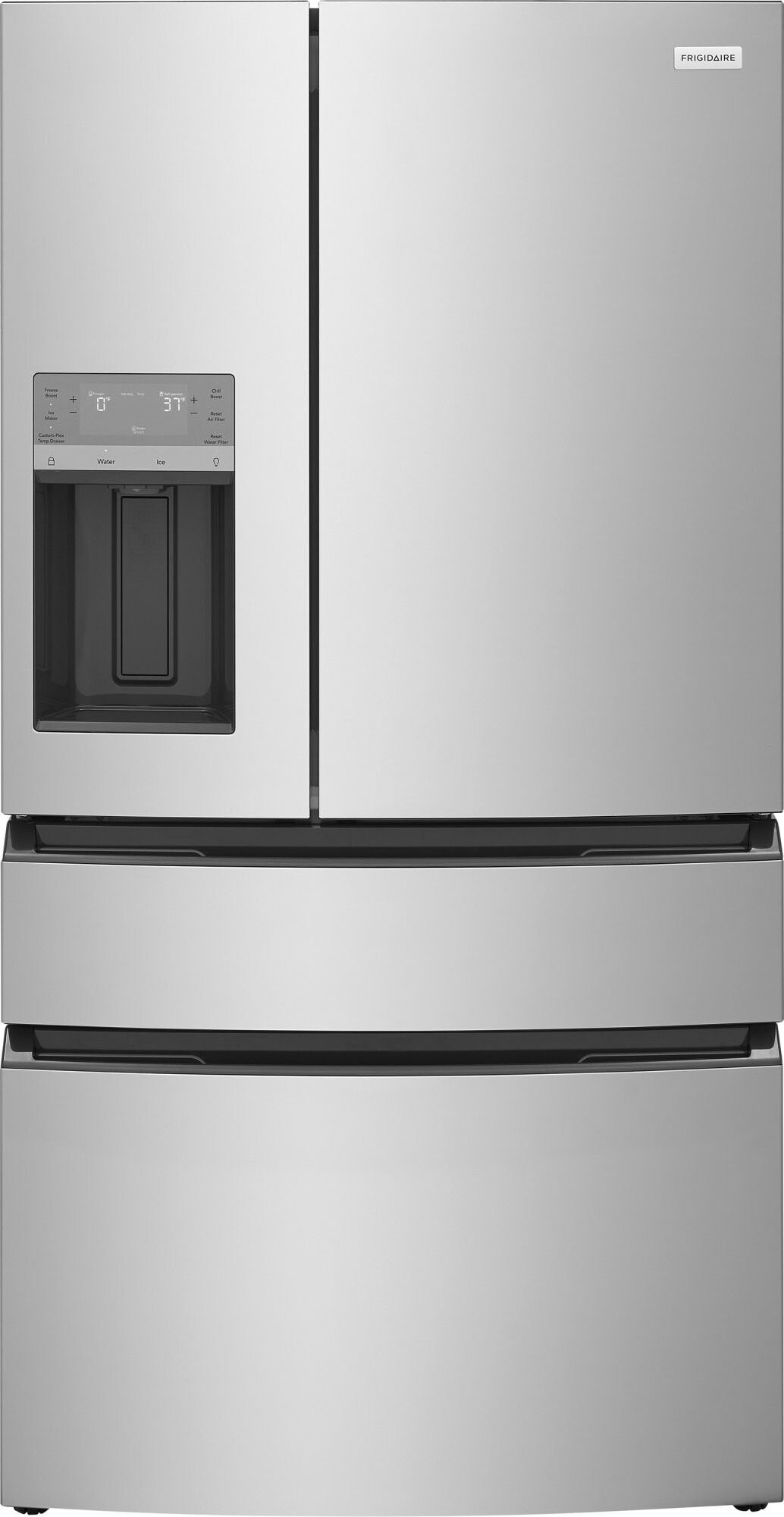
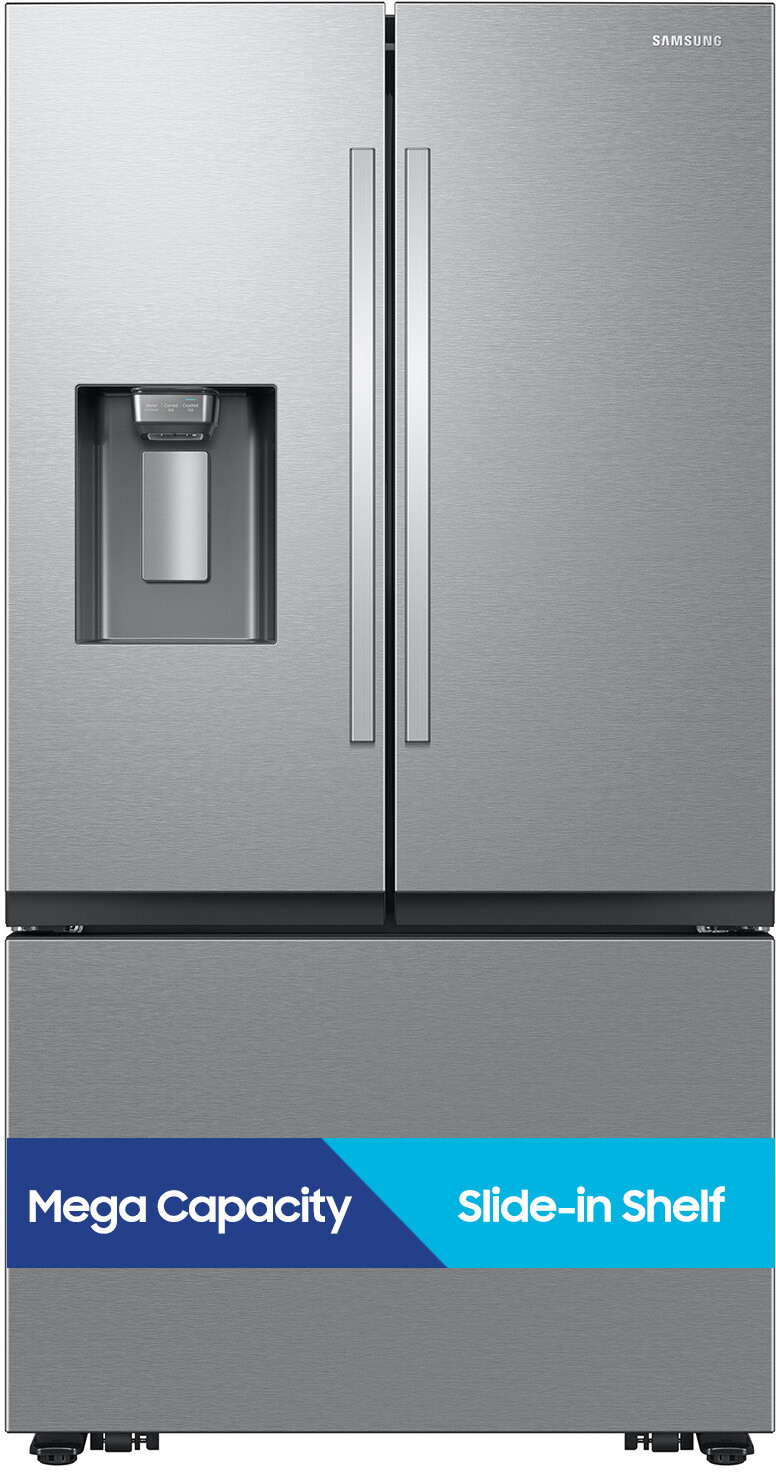
Here's a quick table to clue you in on where to find that elusive button, based on common fridge types:

Type of Fridge Where’s the Button
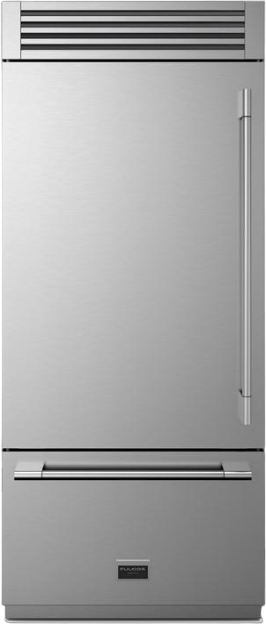
French Door Fridge Top control panel style
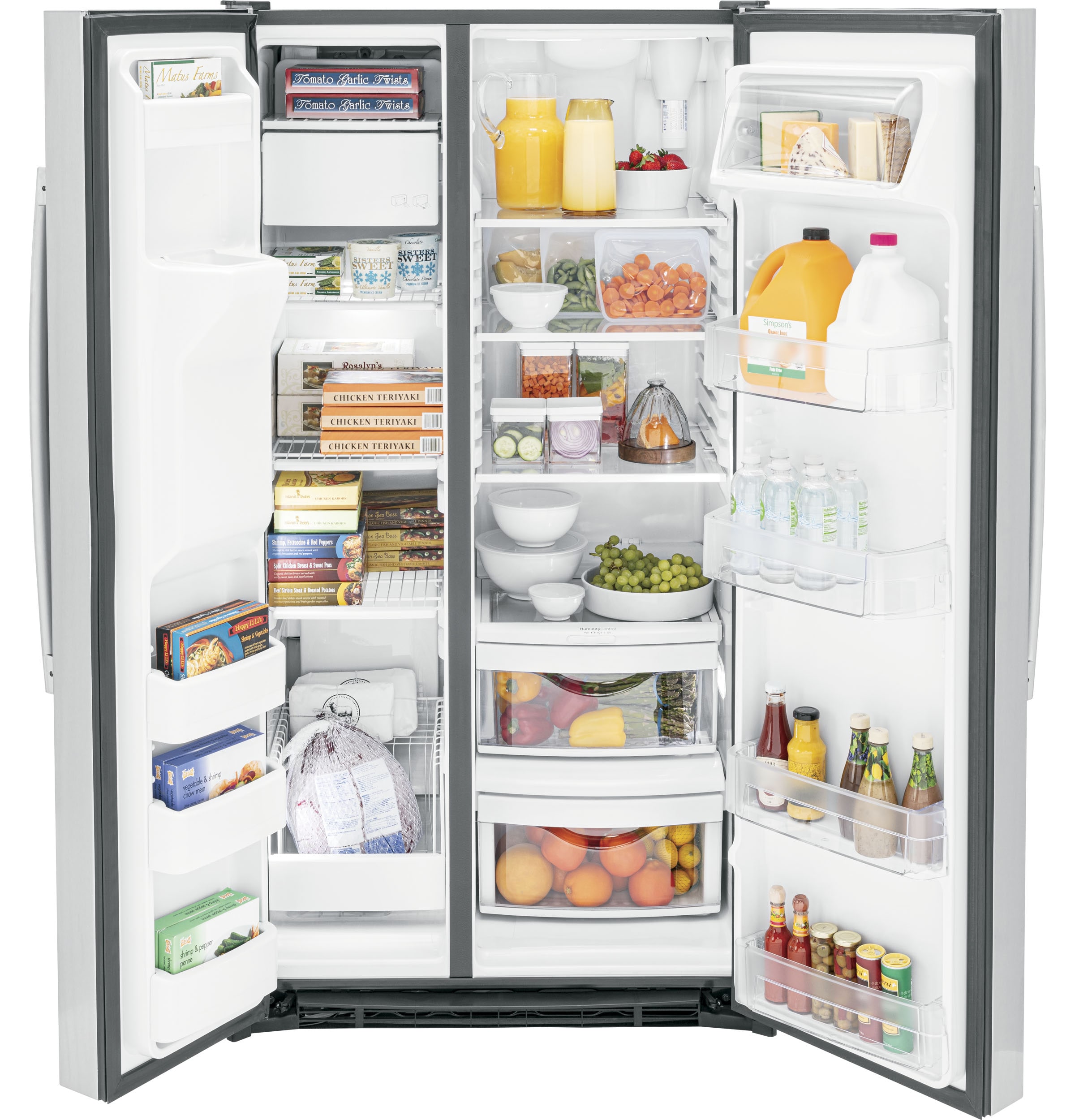
Side-by-Side Fridge Inside, where the food chills
Bottom Freezer Fridge Front and center on display

Holding the Button

Sometimes, a quick press won't cut it. You might have to cozy up to that reset button and hold it down for about 3 to 5 seconds until you get a heads up that the reset's done. This might be a light that takes a breather or a beep that says, "All done!"

Don't forget to double-check that your fridge is plugged in and humming along when resetting. If you're scratching your head about what to do, flip through your user manual for the lowdown on your model.

Waiting for Confirmation

After you've made your move by pressing or holding the button, give your fridge a sec to sort itself out. That little notification you're waiting for—maybe a switch-up on the display or a light that says goodnight—means you're in the clear. If it seems like your fridge missed the memo, don't sweat it; just give it another go.

Keeping tabs on your filter status every now and then is a smart move. It helps keep your fridge running smoothly and makes sure your snacks and drinks stay in top-notch shape.

Verifying the Reset

Alright, so you've hit the button to reset the filter status on your fridge. Now, let's make sure everything's in tip-top shape. Here's a quick rundown on how you can double-check that the reset was done right and your fridge is humming along happily.

Checking the Filter Status

If you've got a fridge from this century, it's probably got a digital display to show how the water filter's holding up. Here's how to make sure things are good to go:

  1. Find the Control Panel: Usually hanging out on the front of the fridge or right inside when you open the door.
  2. Peek at the Filter Status: Keep an eye out for words like "Good," "Replace," or "Change Filter."
  3. Assess the Situation: If it's still giving you the cold shoulder about needing a new filter, maybe double-check that reset job or make sure the filter snugly fits where it's supposed to.
Filter Status Indicator What It Means
Good Filter's doing fine, no worries yet.
Replace Almost time to swap it out.
Change Filter It’s screaming for a change ASAP.

Ensuring Successful Reset Process

Let’s make sure that everything's right as rain after the reset:

  1. Listen or Watch for Confirmations: Many fridges will beep or a light will go off when the reset is good. If not, give it another shot.
  2. Take a Water Test Drive: Got a water dispenser? Give the water a taste. If it's normal, that's a thumbs-up for the filter.
  3. Keep Tabs on Flow: Monitor how water and ice are coming out. If it's wonky, there might be an issue with the filter or reset.

Checking your reset makes sure your fridge stays on its A-game, helping you keep those goodies fresh. Want more tips on keeping your fridge happy? Check out our maintenance section for some handy advice. A happy fridge means happy food and drink!

Maintenance Tips for Filter Status

Keeping an eye on your fridge's filter is like watering your plants—neglect it, and things can turn ugly. So, here's how you can make sure your fridge wants to stay friends with you!

Regular Monitoring

Just like checking your bank account (without the panic), make it a habit to glance at your fridge’s filter status. Most fridges will shine a little light that tattles when the filter’s kaput. Making a monthly date with this light will keep surprises at bay. Here’s an easy reminder:

Month Task
January Peek at filter status
February Peek at filter status
March Swap out if necessary
April Peek at filter status
May Peek at filter status
June Swap out if necessary
July Peek at filter status
August Peek at filter status
September Time for a swap?
October Peek at filter status
November Peek at filter status
December Swap out if necessary

Stick this somewhere handy—fridge, phone, or even the good ol' brain. Keeping tabs means fresh water and a fridge that keeps running like a charm.

Changing the Filter as Needed

As with oil changes for your car, calendar alert the day to swap your filter. Most fridge gurus say to do it every six months—check the small print in your manual to be safe.

Here's a little quick guide:

Filter Type Change Interval
Standard Water Filter Every 6 months
Heavy Usage Filter Every 3 months
Air Filter Every 6 to 12 months

If your water starts tasting funky or the flow’s been dancing to its own beat, it probably ain't waiting until the next scheduled swap. Dive deeper into the nitty-gritty with our piece on how to reset filter status on fridge. Keeping that filter fresh means a happier fridge and tastier food!

Share this Fridge.com article:
How To Reset Filter Status On Fridge | Fridge.com Blog