Changed the water filter, but the reminder is still on? Some refrigerators need a manual reset after replacement; others recognize the new filter automatically. The correct method depends on the exact model and control panel. Use the examples below to find the relevant manufacturer instructions, then follow the owner's manual for your refrigerator.
Resetting the reminder does not replace or clean the filter. Install the correct cartridge and complete its required flushing procedure before resetting the reminder. A cleared light is not a test of water quality.
Whirlpool: match the procedure to the control panel
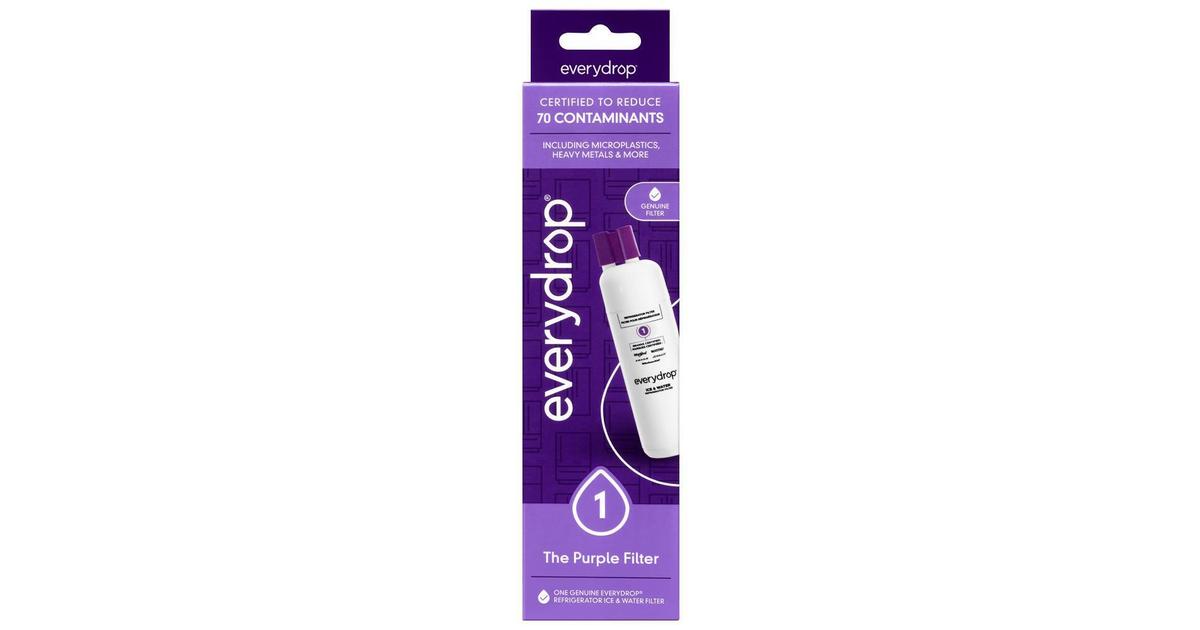
Whirlpool's reset guide describes different controls for French-door and side-by-side refrigerators and directs owners to their appliance care guide. For the French-door control described there, hold the reset button for three seconds or until the confirmation sound. Its side-by-side example uses the reset button until a confirmation sound.
Other Whirlpool models use different button combinations or menus. Do not assume these examples apply to every Whirlpool refrigerator, or to Maytag, KitchenAid, Amana or JennAir models. Locate the instructions for the complete model number before choosing a reset procedure.
On the standard control described in the guide, hold Filter Reset for three seconds.
On the Family Hub interface described there, open Apps → Fridge Manager → Fridge Settings → Water Filter and choose Reset.
On the described arrow-button controls, navigate to More Options → Filter Reset.
For RF4289 and RSG309, open Settings → Water Filter and hold Reset until the status changes.
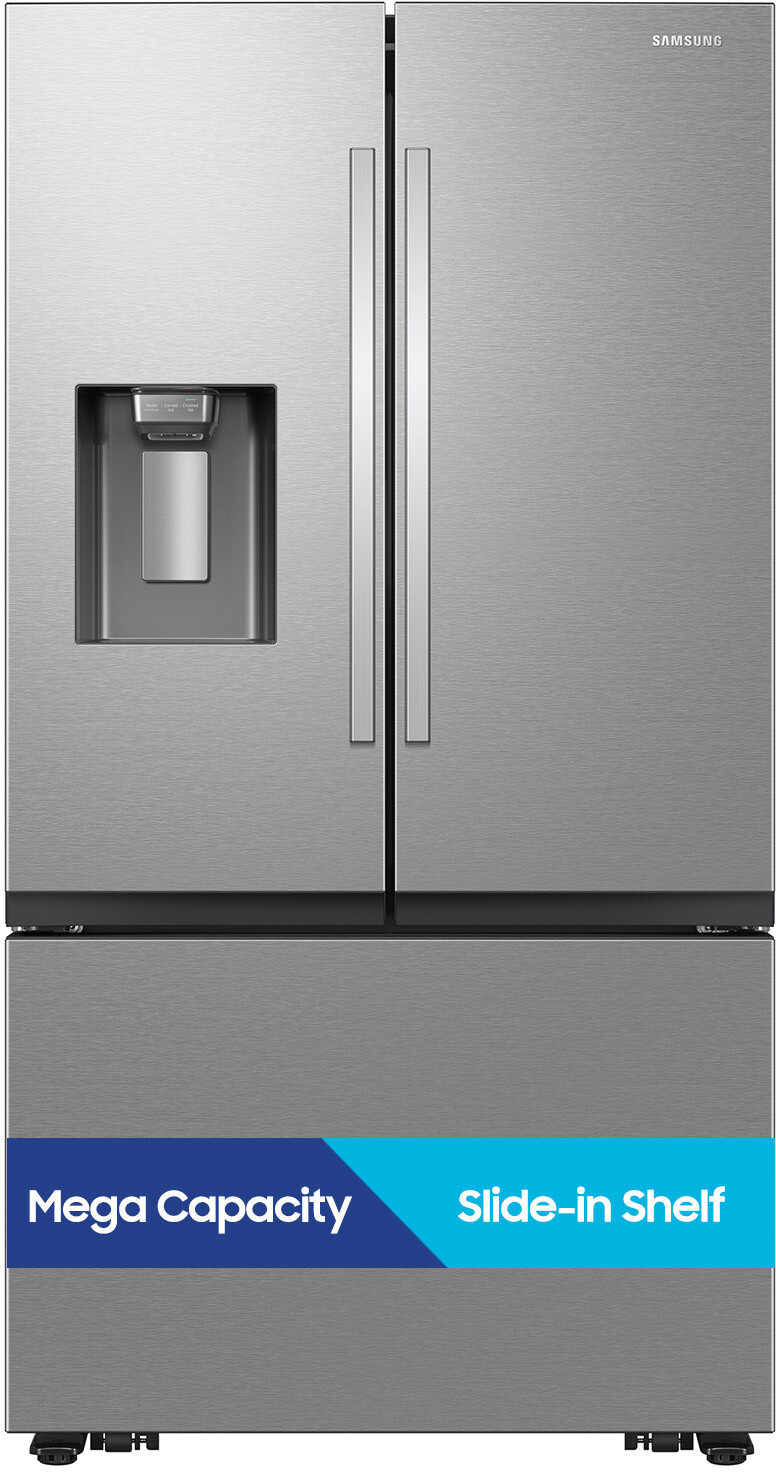
If your screen or buttons differ, use the manual for your model. These are examples from Samsung's guide, not interchangeable methods for every Samsung refrigerator.
GE: manual reset and RFID models are different
GE explains that many filter reminders use a timer rather than measuring remaining filter capacity. For the manual-reset controls covered by its guidance, hold RESET WATER FILTER until the red indicator clears; its troubleshooting page specifies about three seconds.
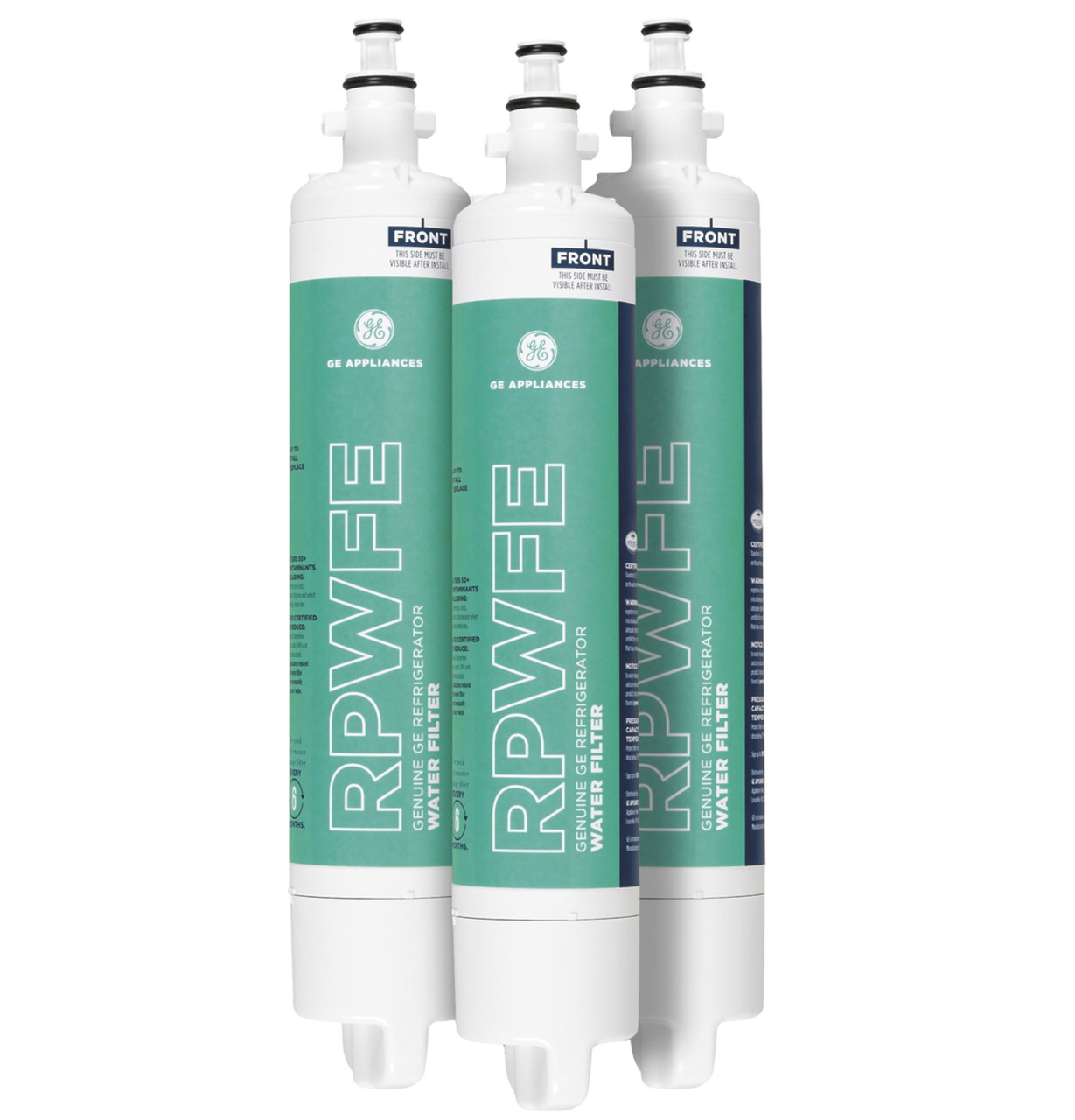
GE separately describes certain RFID-equipped refrigerators that reset the reminder when they recognize a new compatible RFID filter. Its RPWFEFFN-0000513 troubleshooting guidance identifies automatic-reset touchscreen models with no manual reminder reset. Do not extend that statement to every GE touchscreen refrigerator: check your exact model and required filter.
If an RFID model does not recognize the replacement, follow GE's installation and compatibility checks. Do not use a button sequence intended for a different control system. A power interruption can restart some timed reminders; it does not renew the cartridge.
LG: check the labeled reset control
LG's replacement guide describes holding Water Filter or Filter Reset for three seconds after changing and flushing the filter. It also states that controls can vary by model. Use the exact manual if your panel has a different label or combined-function button; do not treat a single hold duration as universal.
Frigidaire: use the model's filter-replacement instructions
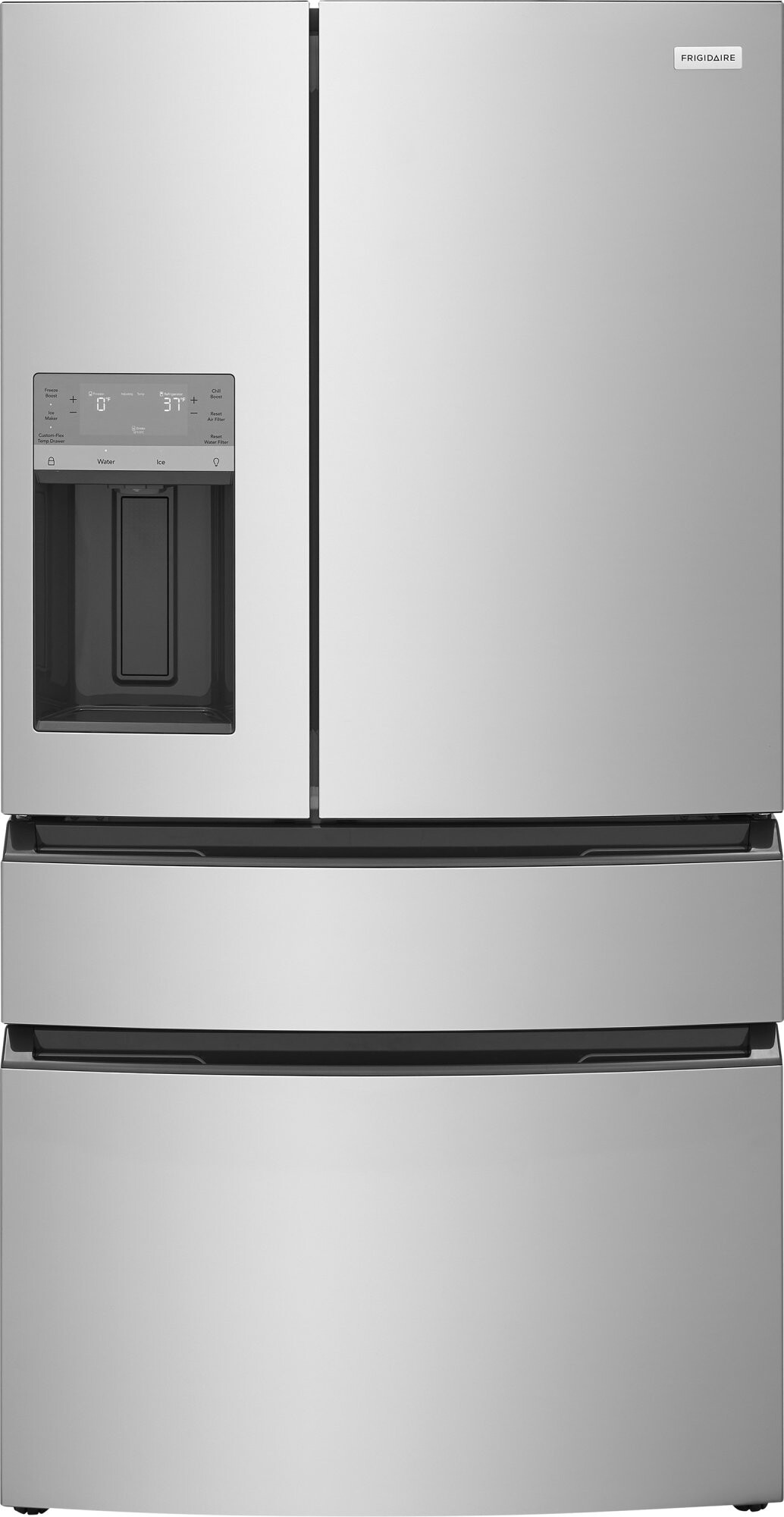
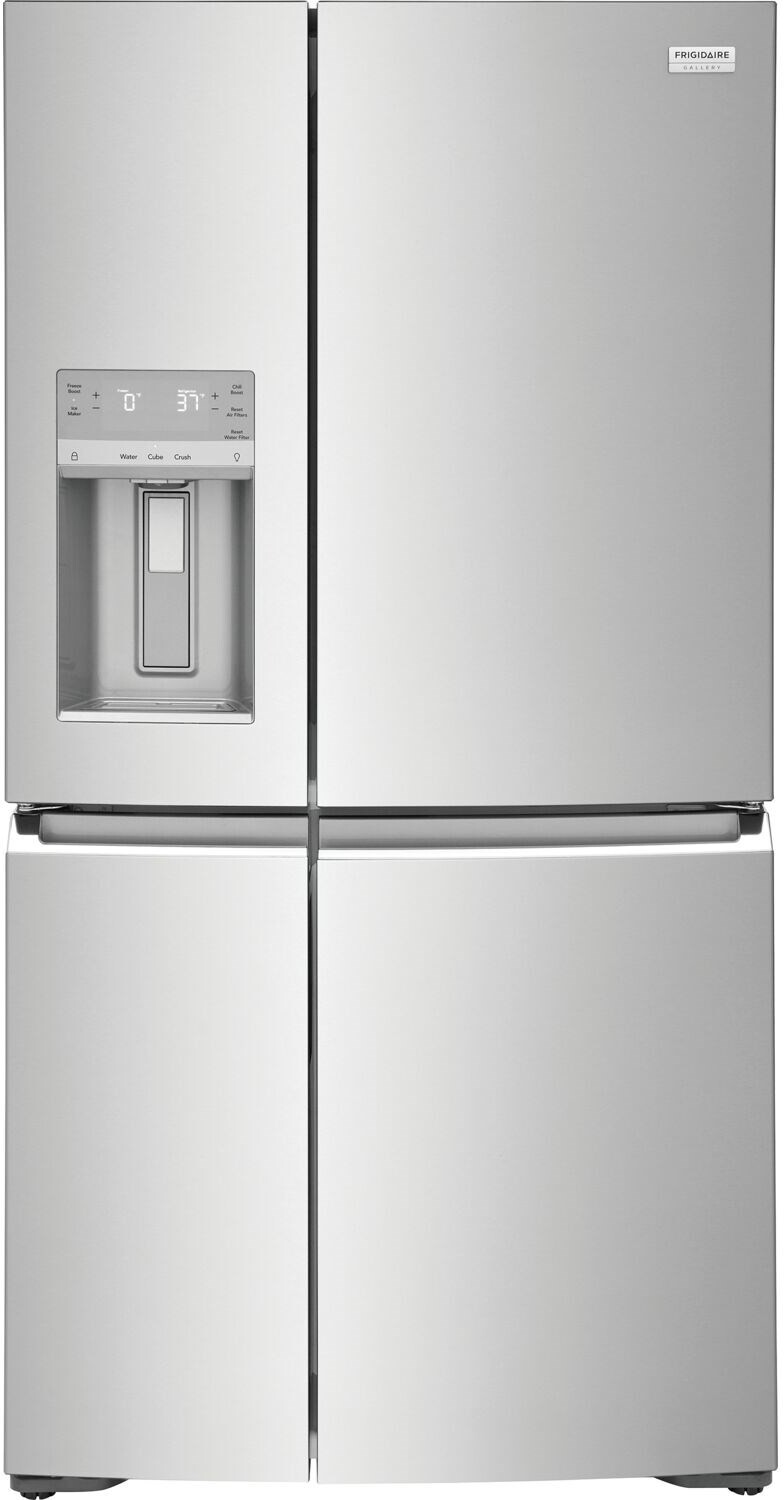
Find the reset procedure in the use-and-care manual for your complete Frigidaire model number. Do not substitute a procedure from another brand or a different display.
If the dispenser is also unresponsive, Frigidaire's dispenser guidance identifies display lock and filter positioning as checks. Its described lock control unlocks with a three-second hold. Unlocking the dispenser and resetting the filter reminder are separate actions.
If the reminder stays on
Confirm the complete refrigerator model number and the replacement cartridge required by its manual.
Check whether that model requires manual reset or recognizes a replacement automatically.
Follow the exact button or menu procedure, including any display-lock instructions and confirmation signal.
If the correct procedure fails, use the manufacturer's troubleshooting guidance or contact its support team. Do not keep trying unrelated button combinations.
Water filters and refrigerator air filters are different parts and can have separate reminders. Check which indicator is lit before replacing a part or resetting a reminder. You can explore filter model numbers and refrigerator air filters at Fridge.com; confirm compatibility with the appliance manufacturer before buying.
Frequently Asked Questions
On most refrigerators, no. Whirlpool states the water filter status needs to be reset every time the filter is replaced and does not automatically reset on most models. The exception is GE’s RFID cartridges (RPWFEFFN-0000513, XWFEFFN-0000006): GE states the RFID automatically resets the Replace Water Filter reminder when a new RFID filter is installed and that it cannot be manually reset.
Free tool
Refrigerator Water Filter Finder
Free interactive tool from Fridge.com — get a quick answer while you read.