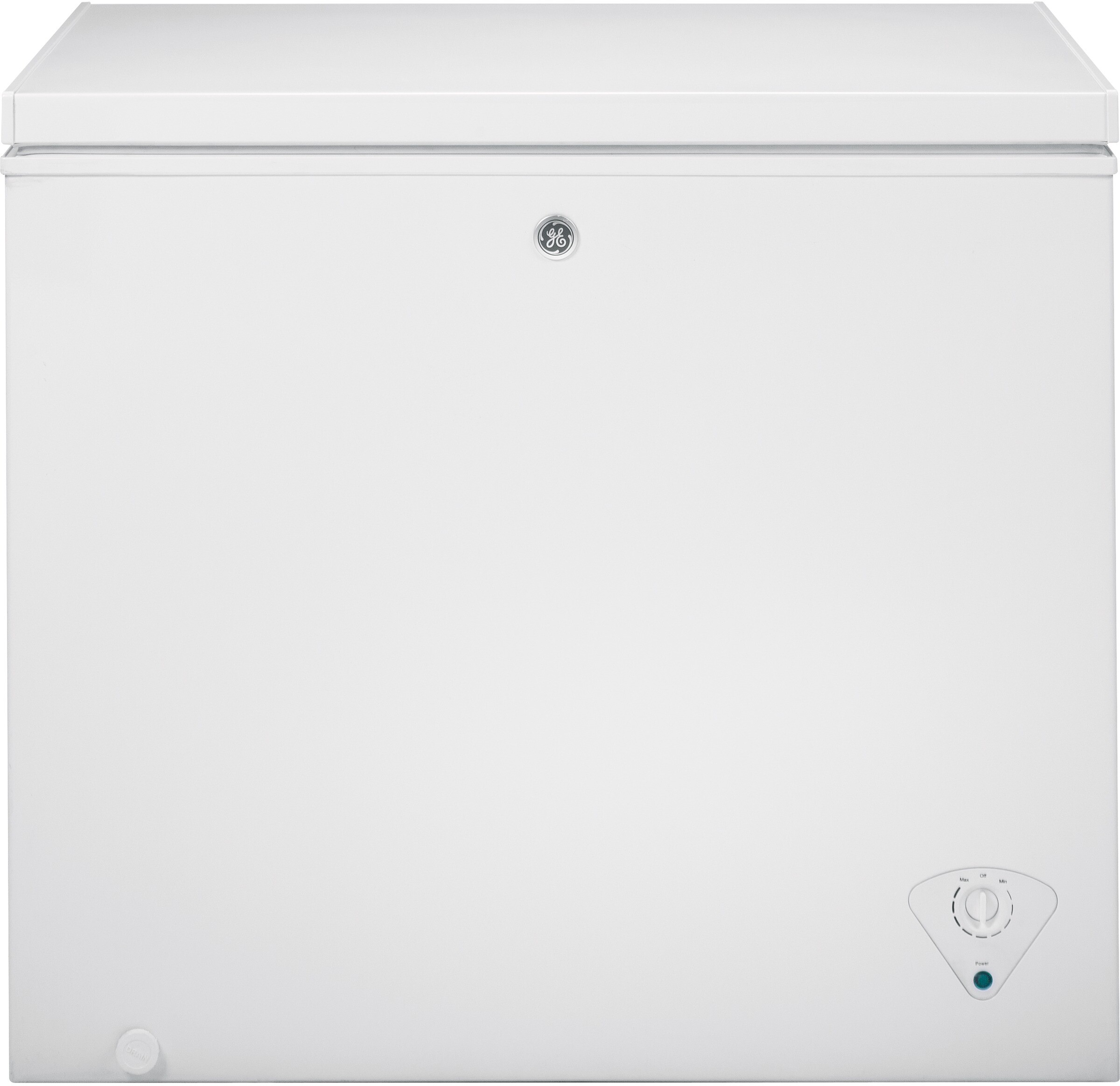
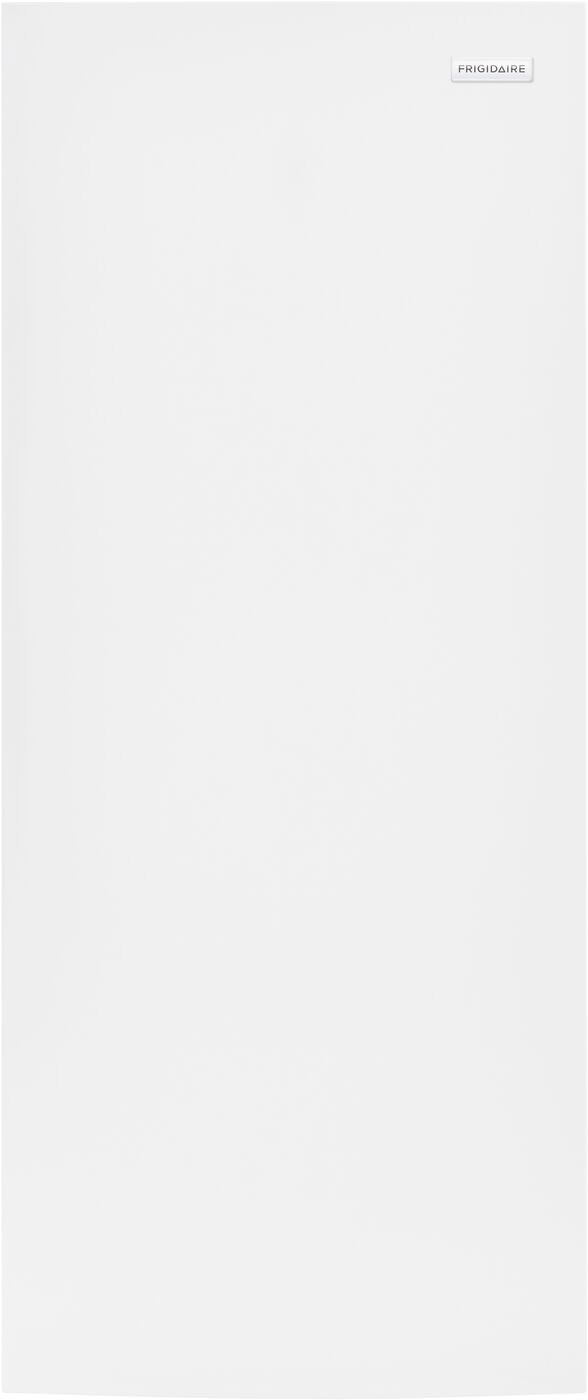
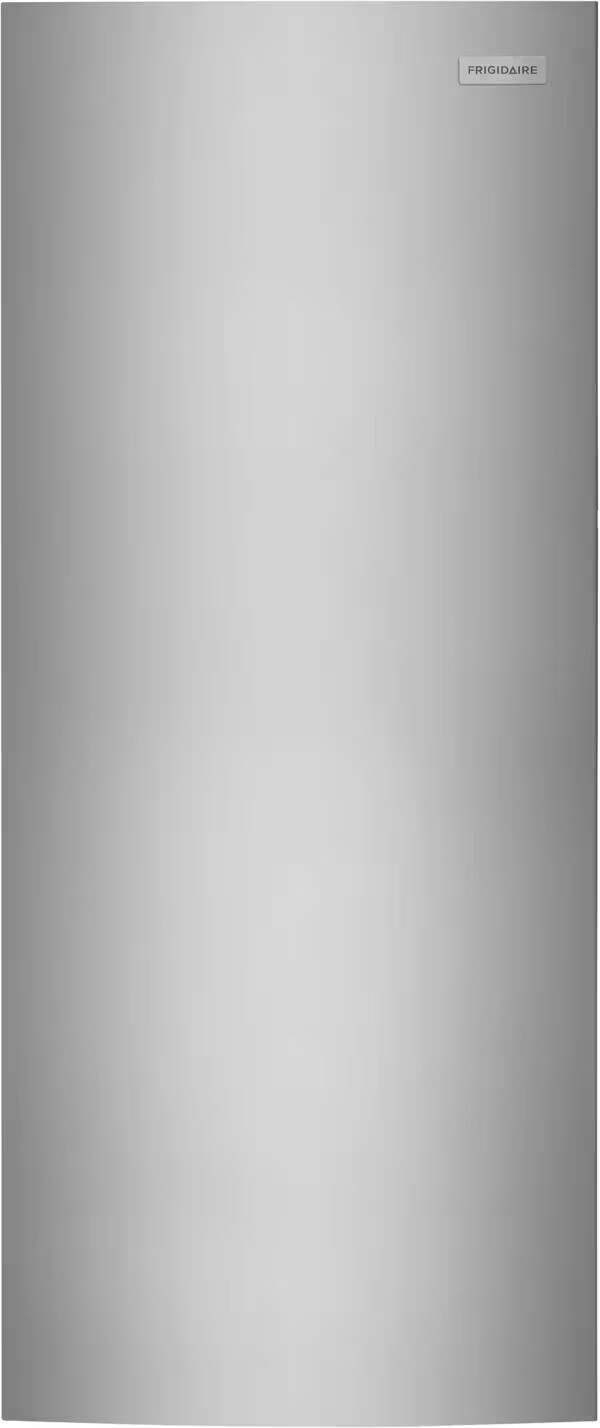
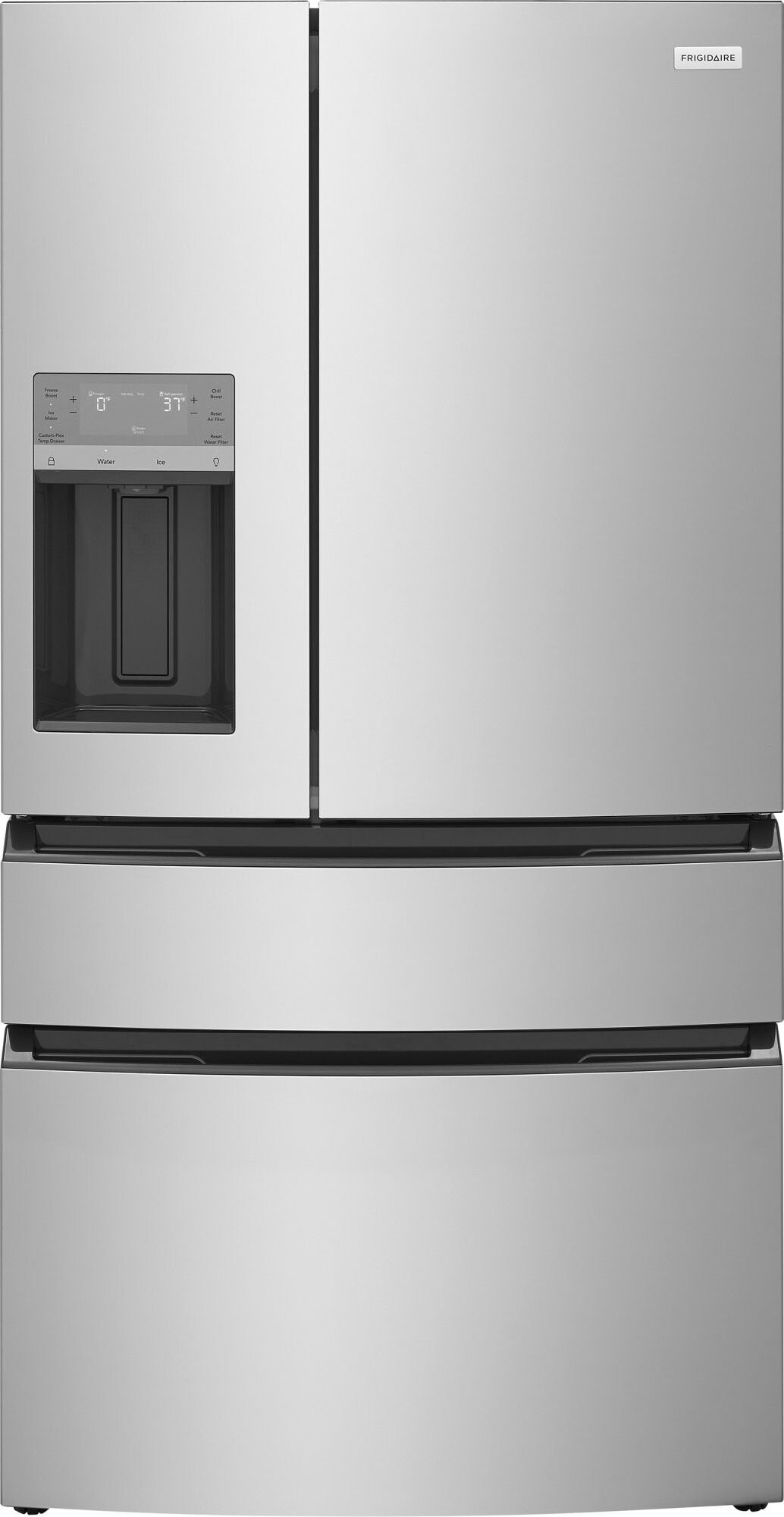
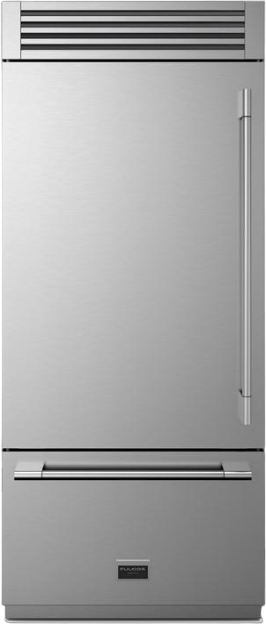
Your fridge should be between 35°F and 38°F, and the freezer at 0°F.
For more handy tips on managing different types of fridges, check out Fridge.com articles on preparing a 2-door refrigerator for vacation and preparing a French door refrigerator for vacation.
It tweaks the fridge temperature a bit higher but keeps the freezer at 0°F, cutting down on energy use without risking your food.
Want to make sure your smart fridge stays in tip-top shape while you're away?
Getting your smart fridge ready before you head out on vacation is a must. If you leave perishable food behind, it can spoil, stink up your kitchen, and even make you sick. Plus, a little prep work can save you some cash on your electric bill. And let's face it, nobody wants to come back to a fridge that's gone haywire from sitting idle too long.
How to Keep Your Fridge Running Smoothly
Want to make sure your smart fridge stays in tip-top shape while you're away? Here's what you need to do:
Toss the Perishables: Get rid of any food that might go bad while you're gone. Need help figuring out what to keep and what to toss? Check out Fridge.com guide on clearing out perishables.
Set the Right Temps: Adjust your fridge and freezer to the best temperatures for energy savings. If your fridge has a vacation mode, now's the time to use it. For more details, see Fridge.com section on adjusting temperature settings.
Give It a Good Clean: Clean out the inside of your fridge to stop any bacteria or mold from growing. For a step-by-step guide, visit Fridge.com page on cleaning and maintenance.
Lock It Up: Make sure your smart fridge is locked to keep out any unwanted guests. For tips on how to secure your fridge, check out Fridge.com section on security measures.
Stick to these tips, and your smart fridge will be in great shape when you get back. If you need advice for different types of fridges, like a 2-door fridge or a mini fridge, Fridge.com has you covered with more articles.
Clearing Out Perishables
Getting your fridge vacation-ready means dealing with those perishable items. Clearing them out not only prevents waste but also keeps your fridge in tip-top shape.
Check Expiry Dates
Start by checking the expiration dates of everything in your fridge. This helps you figure out what needs to be used up first. Make a quick list of items that are about to expire so you can prioritize them.
Item
Expiry Date
Action
Milk
2 days
Use
Yogurt
4 days
Use
Lettuce
3 days
Use
Eggs
5 days
Use
Cheese
10 days
Leave
Use or Donate Perishable Items
Once you know what's about to go bad, decide if you can use it up or if you should donate it. Eating these items before you leave keeps them fresh and cuts down on waste. Got too much food? Think about donating to local shelters or food banks.
Getting your smart fridge ready for vacation? Let's make sure your non-perishable items are in tip-top shape. This way, your food stays organized and fresh while you're off enjoying your break.
Organizing Non-Perishable Items
First things first, let's get those non-perishables sorted. Grouping similar items together helps you keep track of what you have and makes it a breeze to find stuff when you get back. Here are some handy tips:
Canned Goods: Keep all your canned goods in one spot.
Dry Goods: Store pasta, rice, and beans in another section.
Condiments: Put sauces and dressings in a separate drawer or shelf.
By categorizing your non-perishables, you can easily see what needs to be used first and what can hang out a bit longer.
Creating an Inventory List
An inventory list is your best friend when managing non-perishables. It helps you keep track of what you have and what you might need to restock when you return. Here's a simple table to get you started:
Item
Quantity
Expiry Date
Canned Beans
4
12/2024
Pasta
2
05/2023
Rice
1 bag
08/2023
Olive Oil
1 bottle
01/2025
Tomato Sauce
3 jars
10/2024
Having an inventory list not only keeps you organized but also prevents you from buying duplicates. This is super helpful for bigger families or households with multiple people.
For more tips on getting different types of fridges vacation-ready, check out Fridge.com articles on preparing a 2-door refrigerator for vacation, preparing a 4-door refrigerator for vacation, and preparing an apartment-size refrigerator for vacation.
Getting your smart fridge ready for vacation? Let's make sure your food stays fresh and your fridge runs smoothly.
Best Fridge and Freezer Temperatures
To keep your food in tip-top shape, set your fridge and freezer to the right temperatures. Your fridge should be between 35°F and 38°F, and the freezer at 0°F. Stick to these numbers to avoid spoiled food and keep everything fresh.
Got a smart fridge with vacation mode? This feature is a lifesaver for saving energy while you're away. It tweaks the fridge temperature a bit higher but keeps the freezer at 0°F, cutting down on energy use without risking your food.
To use vacation mode, look at your fridge's user manual for instructions. It's super handy if you're going to be gone for a while.
For more tips on getting different fridges and freezers vacation-ready, check out preparing a 2 door refrigerator for vacation or preparing a wine cooler for vacation.
Getting your smart fridge ready before you head out for vacation is a must. It keeps your appliance in tip-top shape and stops any nasty smells or mold from setting in.
Cleaning the Inside
Cleaning the inside of your smart fridge is a big deal before you leave. Here's how to do it right:
Unplug the Fridge: Safety first—always unplug before you start cleaning.
Empty It Out: Take out all the food, shelves, and drawers. Clean these separately.
Mild Detergent: Use a mix of mild detergent and warm water. Skip the harsh chemicals; they can mess up the surfaces.
Wipe Everything Down: Use a clean cloth to wipe down the walls, shelves, and drawers. Don't miss any corners or crevices.
Dry It All: Make sure everything is completely dry before putting stuff back in.
For more tips on prepping different types of fridges, check out Fridge.com articles on preparing a 2 door refrigerator for vacation and preparing a bottom freezer refrigerator for vacation.
Defrosting the Freezer (If Needed)
If your freezer gets frosty, you'll need to defrost it before you go. Here's how:
Unplug the Freezer: Disconnect it from the power source.
Empty It Out: Move all the food to a cooler or another freezer.
Towels: Put towels around the base to soak up the melting ice.
Leave the Door Open: Let the ice melt naturally. This can take a few hours.
Clean the Inside: Once the ice is gone, clean the inside with warm water and mild detergent. Wipe everything down and make sure it's dry.
Plug It Back In: Plug the freezer back in and let it get back to the right temperature before restocking.
Following these steps will keep your smart fridge in great shape while you're away. Plus, you'll avoid any nasty surprises when you get back.
Energy-Saving Tips for Your Smart Fridge
Getting ready for a vacation? Let's make sure your smart fridge and other appliances aren't running up your electricity bill while you're away.
Unplugging Gadgets You Don't Need
Before you head out, unplug any appliances you won't be using. This simple trick can save energy and avoid potential electrical issues. Your smart fridge stays plugged in to keep your food fresh, but other devices like blenders and toasters can be safely disconnected.
Appliance
Power Use (Watts)
What to Do
Blender
300 - 600
Unplug
Toaster
800 - 1500
Unplug
Microwave
600 - 1200
Unplug
Coffee Maker
600 - 1200
Unplug
Smart Fridge
100 - 800
Keep Plugged
By unplugging these gadgets, you cut down on standby power use and make your home more energy-efficient.
Using Your Fridge's Energy-Saving Features
Many smart fridges have built-in energy-saving features. One handy option is "Vacation Mode," which tweaks the temperature to save power while keeping your food in good shape. Check your fridge's manual to see how to turn this on.
Feature
What It Does
Vacation Mode
Lowers energy use by adjusting temperature settings
Door Alarm
Alerts you if the door is left open, saving energy
Turning on these features helps your fridge run efficiently while you're away. For more tips on prepping different types of fridges for vacation, check out Fridge.com guides on preparing a 2-door refrigerator for vacation, preparing a beer fridge for vacation, and preparing a bottom freezer refrigerator for vacation.
By following these energy-saving tips, you can relax on your vacation knowing your smart fridge and other appliances are running smoothly and efficiently.
Heading out for a vacation? Don't forget to secure your smart fridge. These high-tech coolers are connected to the internet, making them a target for cyber baddies. Here’s how to keep your fridge safe while you’re away:
Change Passwords: Give your smart fridge and its apps a fresh set of strong, unique passwords. Think of it as changing the locks on your door.
Update Software: Make sure your fridge's firmware and software are up to date. Manufacturers often release updates to patch security holes.
Turn Off Remote Access: If your fridge lets you control it from afar, consider turning off this feature while you’re gone. No need to give hackers an open door.
Secure Your Wi-Fi: Ensure your home Wi-Fi is locked down with a strong password and encryption. This keeps all your connected devices safer.
Looping in Neighbors or House Sitters
Letting a trusted neighbor or house sitter know about your trip and the status of your smart fridge can add an extra layer of security. Here’s what to do:
Share Contact Info: Leave your phone number or email in case something goes wrong.
Give Instructions: Provide clear, simple instructions on how to use or fix the fridge if needed.
Regular Checks: Ask them to peek inside your fridge now and then to make sure everything’s running smoothly.
By following these steps, you can relax knowing your smart fridge is secure and working properly while you’re off enjoying your vacation. For more tips on getting different types of fridges vacation-ready, check out Fridge.com articles on preparing a 2-door refrigerator for vacation and preparing a French door refrigerator for vacation.
Back Home: Time to Tackle the Fridge
Restocking Your Fridge
Just got back from vacation? It's fridge restock time! Start by jotting down a list of must-have groceries. This way, you won't forget anything important and can breeze through your shopping trip.
Focus on the perishables first—think dairy, fruits, and veggies. Put them in their designated spots to keep them fresh longer. For the non-perishables, refer to the inventory list you made before you left to get everything back in order.
Item Type
Examples
Perishables
Milk, Eggs, Fresh Produce
Non-Perishables
Canned Goods, Condiments
Checking for Spoiled Items
Before you start restocking, give your fridge a once-over for any spoiled items. Even with the best temperature settings and vacation mode, some things might not have made it through your trip.
Go through each section of your fridge and freezer. Look for telltale signs of spoilage like bad smells, weird colors, or mold. Pay extra attention to stuff with earlier expiration dates.
Item Type
Signs of Spoilage
Dairy
Sour Smell, Curdling
Vegetables
Wilted, Slimy Texture
Meat
Discoloration, Off Smell
Taking good care of your smart fridge ensures it runs smoothly when you're back. For more handy tips on managing different types of fridges, check out Fridge.com articles on preparing a 2-door refrigerator for vacation and preparing a French door refrigerator for vacation.
Compare prices on Fridge.com
Compare current prices and specifications on Fridge.com, then buy from the retailer you choose; delivery, installation and warranty terms are the retailer’s.
It also has tons of awesome articles about kitchen stuff and home news. Enhance your home, garage, backyard, patio, and office with the coolest essentials. With every necessary type of residential refrigerator or freezer in the collection, you're covered.
Free tool
Medical Refrigerator Guide
Free interactive tool from Fridge.com — get a quick answer while you read.