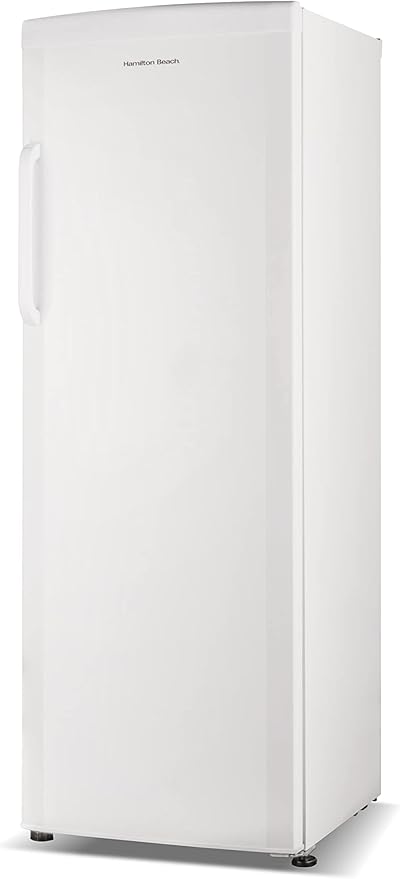
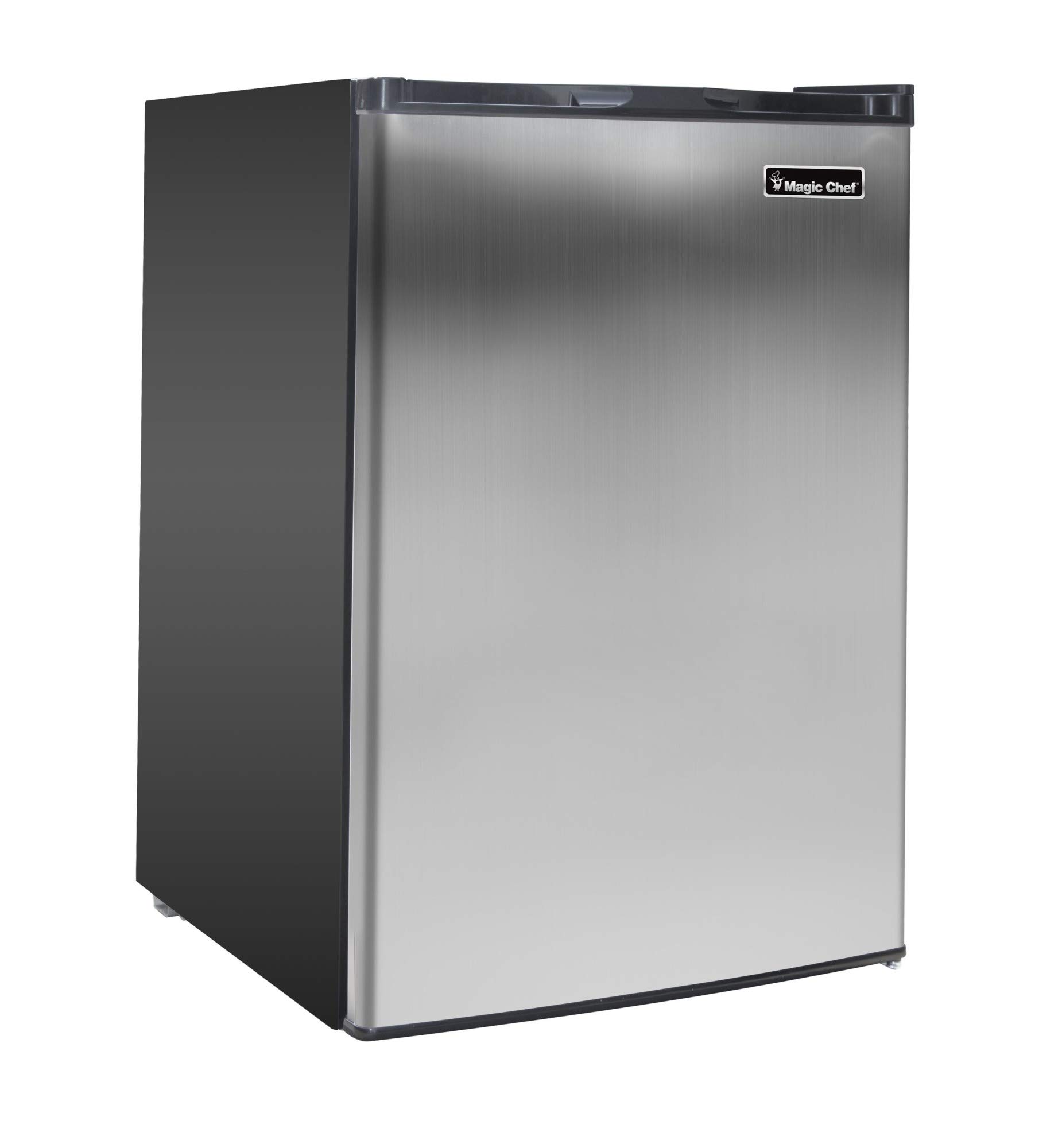
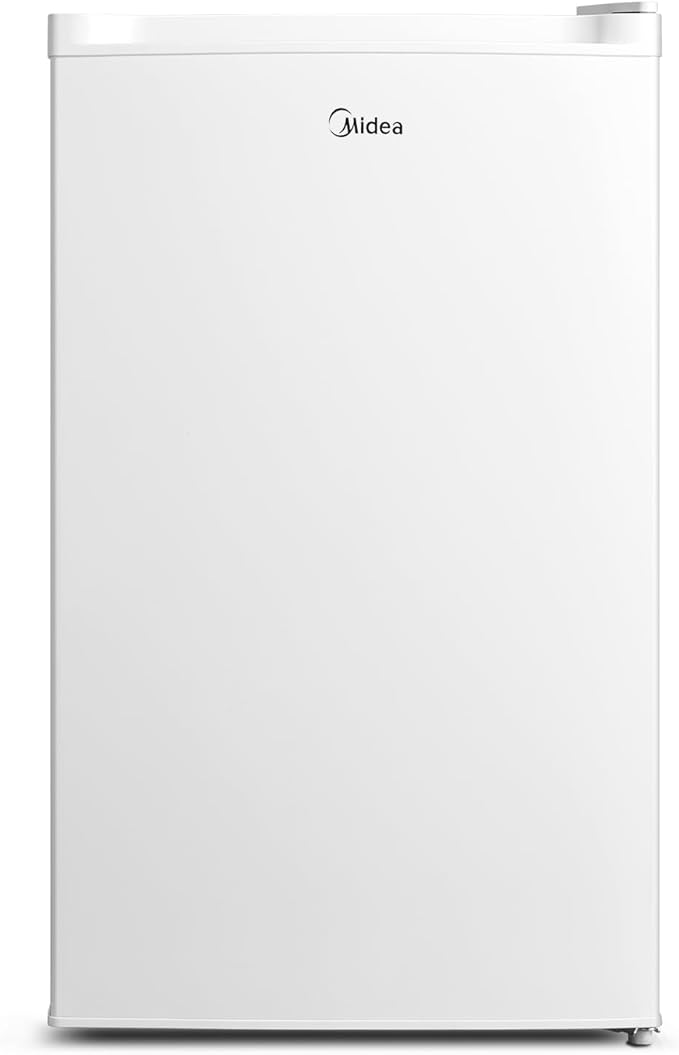
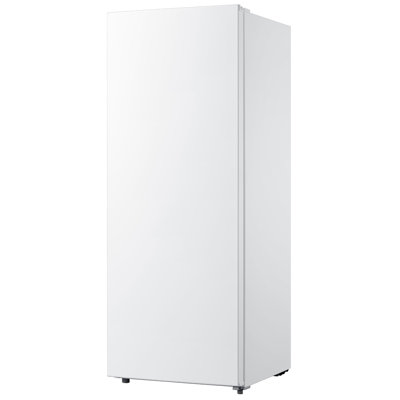
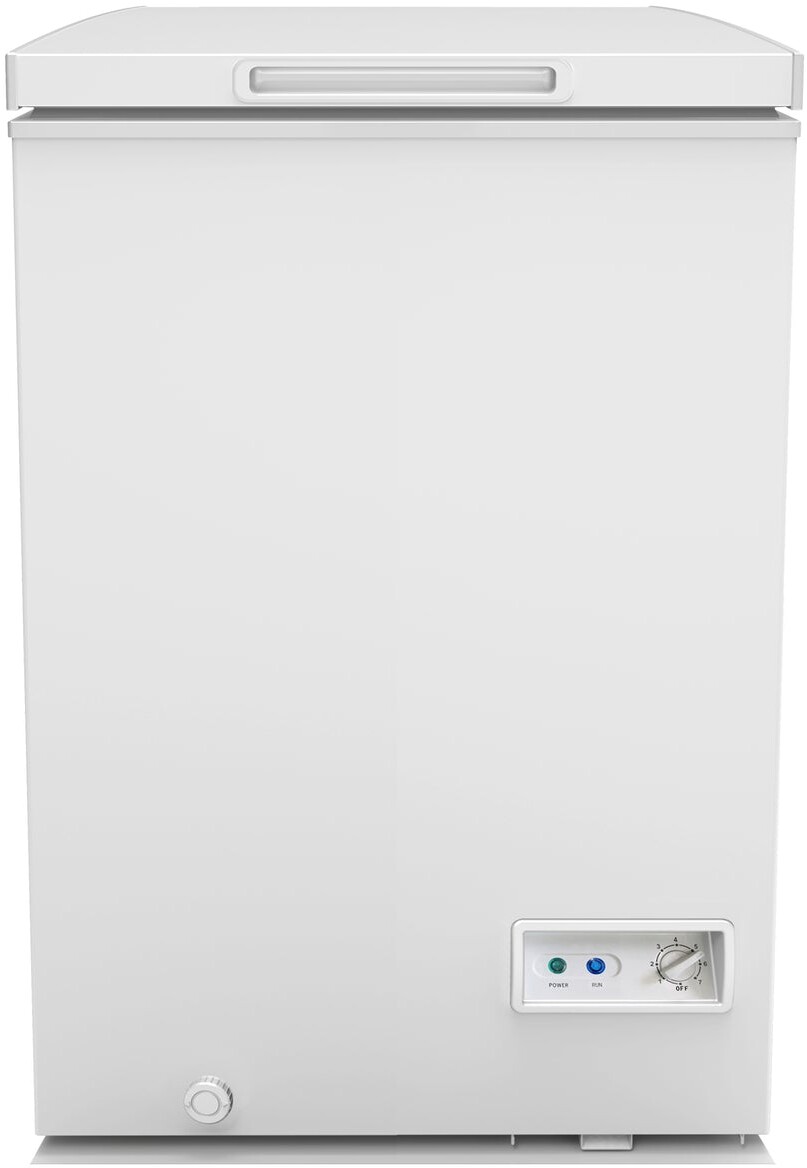
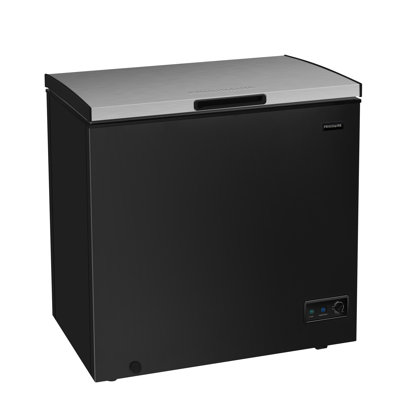
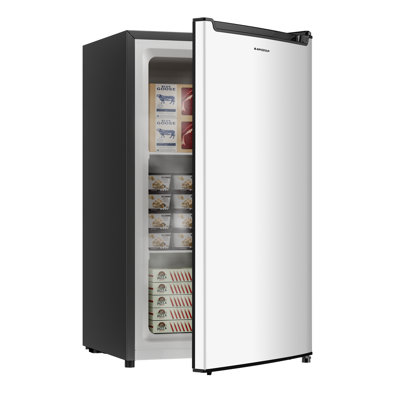
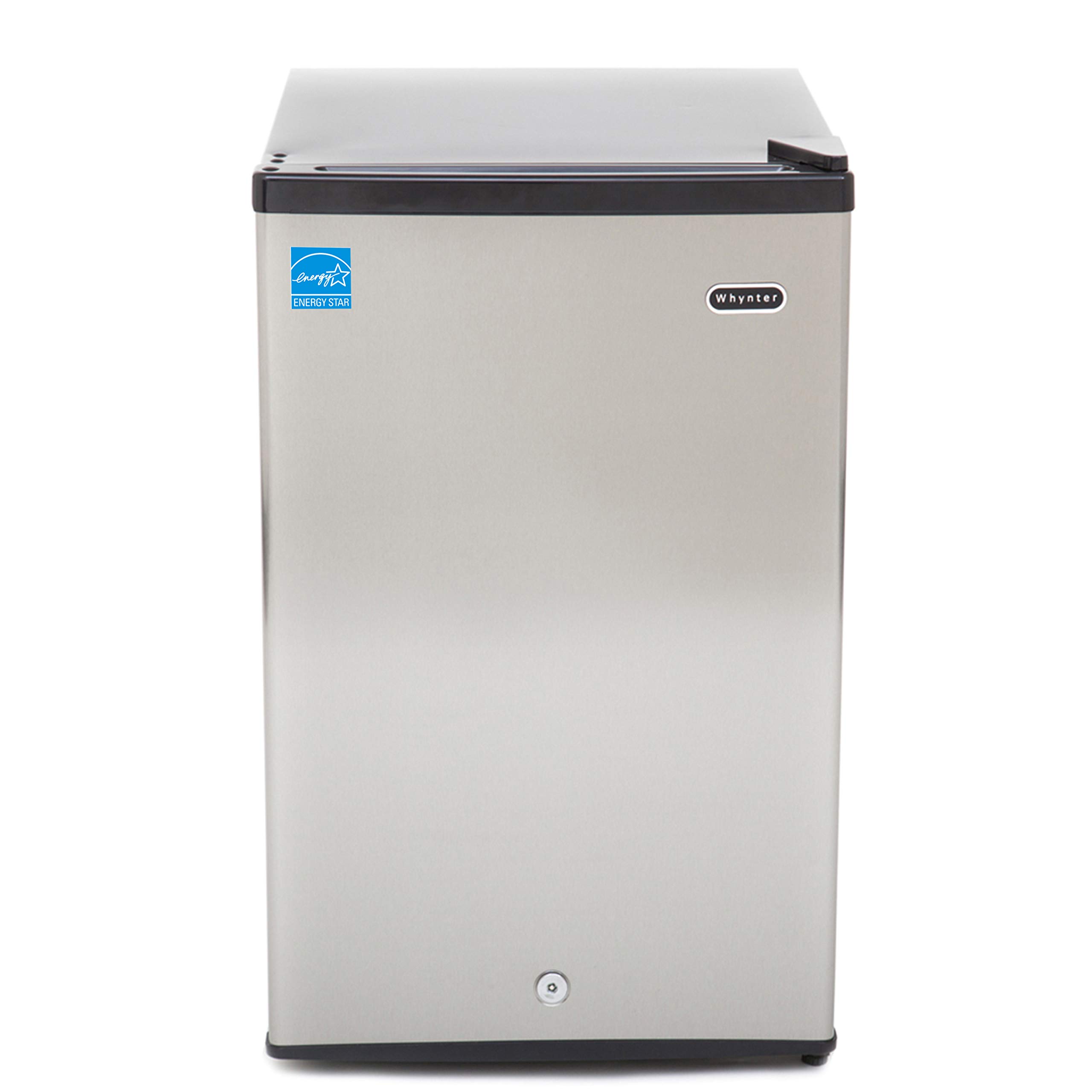
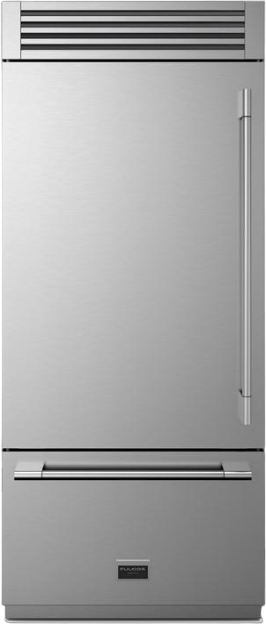
Auto-defrost (frost-free) freezers use a heating cycle to melt frost so you never have to defrost by hand. That convenience comes with a few maintenance steps to keep the unit running efficiently and lasting longer. This guide covers how auto-defrost works, what to do regularly, and when to call for service.
How Auto-Defrost Works
Frost-free freezers use a timer or thermostat to run a defrost cycle: the compressor stops, a heating element warms the evaporator to melt frost, and the water drains away (often to a pan that evaporates it). Then cooling resumes. You do not see the cycle; you just get a freezer that stays clear of heavy frost. The tradeoff is slightly higher energy use than manual defrost, but for most people the convenience is worth it.
The defrost cycle typically runs every 6 to 12 hours, depending on the model and usage. During the cycle, the freezer temperature may rise slightly—usually a few degrees—before cooling resumes. The USDA recommends keeping freezers at 0°F or below for food safety; frost-free units are designed to maintain that temperature between cycles. If you notice the freezer struggling to hold temperature, the defrost system or another component may need service.
The heating element is usually located near the evaporator coils. When it activates, it melts frost that has accumulated. The water flows through a drain tube to a drip pan, often located above the compressor. The compressor heat evaporates the water, so you rarely need to empty the pan. If the drain clogs, water can back up and freeze, causing frost buildup or leaks. Keeping the drain clear is part of routine maintenance.
ENERGY STAR certifies frost-free freezers that meet strict efficiency criteria. The defrost system adds to energy use, but well-maintained units still qualify. The U.S. Energy Information Administration (EIA) reports that freezers account for a share of residential electricity use; keeping your unit efficient through regular maintenance helps control costs. Check the EnergyGuide label for your model's estimated yearly kWh and compare to similar units when shopping for a replacement.
Keep the Coils Clean
Condenser coils reject heat. If they are dusty or clogged, the compressor works harder and the freezer may not hold temperature. Check the manual for coil location—often on the back or behind a kickplate. Unplug the unit, pull it out carefully, and vacuum or brush the coils every six to twelve months. Clean coils help the auto-defrost system work as designed and reduce energy use.
The U.S. Department of Energy (DOE) notes that dirty condenser coils can increase refrigerator and freezer energy use by 10 to 30 percent. Dust, pet hair, and lint accumulate over time, especially in basements and garages. A coil brush or vacuum with a brush attachment works well; avoid sharp tools that could damage the fins. Let the unit sit unplugged for a few minutes before plugging back in so the compressor is not stressed.
If the freezer is in a basement or garage, check the coils more often—every 4 to 6 months—because these spaces tend to be dustier. Clogged coils force the compressor to run longer and harder, which increases electricity use and can shorten the unit's life. Clean coils are one of the most effective maintenance steps you can take.
Schedule coil cleaning when the freezer is relatively empty so you can move it safely. Have a helper if the unit is heavy. Wear gloves to protect against sharp edges. After cleaning, push the unit back into place and ensure the door seal is not pinched. Wait 30 minutes before loading the freezer heavily so the compressor can stabilize.
A worn or dirty gasket lets warm, moist air in, which increases frost and makes the defrost cycle run more often. Wipe the gasket and the door frame periodically. Close the door on a dollar bill in several spots; if the bill slides out easily, the seal may need replacing. A good seal reduces load on the freezer and keeps food at a steady temperature.
Warm, moist air entering the freezer adds to the frost load. The defrost system has to work harder to clear it, which increases energy use. A damaged or deformed gasket can also cause ice buildup around the door frame. Inspect the seal for cracks, tears, or areas that have pulled away from the door. Clean it with mild soap and water; avoid harsh chemicals that could dry out or damage the rubber.
If the seal needs replacement, order the correct part from the manufacturer or an authorized parts supplier. Installation varies by model; some gaskets snap in, others require removal of the door liner. A proper seal should hold the dollar bill firmly when you pull—resistance indicates good contact. Test at multiple points around the door.
Replacing a worn seal can restore cooling performance and reduce energy use. The DOE notes that a damaged door gasket is a common cause of excessive energy consumption in refrigerators and freezers. A new seal pays for itself in lower electricity bills within a year or two for heavily used units. If you are unsure about installation, a qualified technician can replace the gasket during a service call.
Frost-free freezers rely on airflow over the evaporator. Do not pack the freezer so full that you block the internal vents or air channels. Leave some space so cold air can circulate. Overloading can cause uneven cooling and force the defrost system to work harder.
Cold air circulates from the evaporator through vents and channels to all parts of the freezer. Blocking those vents with food or containers disrupts the flow and can create hot spots. Items near blocked vents may not freeze properly; other areas may frost up. Follow the manufacturer's guidance on loading—many manuals recommend leaving a few inches of clearance around the vents.
Organization matters. Use baskets or bins to group items without blocking airflow. Avoid stacking items directly in front of vents. A well-organized freezer that allows circulation is more efficient and keeps food at a consistent temperature. The USDA recommends storing food in airtight packaging to maintain quality; proper airflow supports that by ensuring even cooling.
If you unplug the freezer or open the door during a defrost cycle, the cycle may not complete and you might see more frost or water inside. Avoid moving or unplugging the unit unnecessarily. If you must unplug it, let it sit for a few minutes before plugging back in so the compressor is not stressed.
Interrupting a defrost cycle can leave water in the drain or on the evaporator. When cooling resumes, that water can freeze and create a block of ice. Over time, repeated interruptions can lead to excessive frost buildup. If you need to move the freezer, unplug it, let it sit for 24 hours so any frost melts and drains, then move it and let it sit upright for several hours before plugging in again.
Power outages are unavoidable. When power returns, the freezer will resume normal operation. If the outage was brief (under 4 hours) and the door stayed closed, food should remain safe. The USDA advises that a full freezer keeps food safe for about 48 hours if the door stays closed; a half-full freezer about 24 hours. After a long outage, check food for signs of thawing and refreeze only if it still contains ice crystals and feels cold.
Maintenance Schedule
Establish a routine to keep your frost-free freezer in good condition. Every month, quickly inspect the door seal and wipe down the interior if needed. Every six months, pull the unit out and clean the condenser coils. Annually, do a thorough check: coils, seal, vents, and interior condition. Note any changes in noise, frost buildup, or cooling performance.
Keep a log if it helps—date of last coil cleaning, when the seal was last checked, any service calls. That makes it easier to track maintenance and spot patterns. If the freezer is in a harsh environment (garage, basement with moisture), consider more frequent checks. Prevention is cheaper than repair.
The DOE recommends unplugging and defrosting manual-defrost freezers when frost reaches 1/4 inch. For frost-free units, you should never need to defrost—if frost builds up, that indicates a problem with the defrost system. Do not try to manually chip away frost in a frost-free unit; it can damage the evaporator. Schedule service instead.
If the freezer is building heavy frost despite being frost-free, the defrost heater, timer, or drain may be faulty. If the unit is not cooling, the compressor or refrigerant may need service. Do not attempt to repair sealed refrigeration parts yourself. Check warranty and contact the manufacturer or a qualified technician. For help choosing a reliable frost-free freezer, compare models and reviews.
Signs of a failing defrost system include heavy frost on the evaporator, ice buildup on the back wall, or water pooling inside the freezer. The defrost heater may have burned out, the defrost thermostat may not be closing to trigger the cycle, or the drain may be clogged. These components require technical knowledge to diagnose and replace; DIY repair of refrigeration systems is not recommended.
If the freezer is not cooling at all, the problem may be the compressor, refrigerant leak, or a control board issue. Unusual noises, such as clicking or buzzing that does not stop, can indicate a failing component. Document the symptoms, check the warranty, and contact a qualified technician. Many manufacturers offer extended warranties or service plans for refrigerators and freezers.
Before calling for service, verify basics: the unit is plugged in, the circuit breaker has not tripped, and the thermostat is set correctly. If the freezer is in an unheated garage and outdoor temperatures have dropped below the unit's minimum operating range, it may not cool properly until the ambient temperature rises. Check the manual for the specified operating temperature range—many freezers are not designed for ambient temperatures below 0°F or 10°F.
Summary
Auto-defrost freezers need little day-to-day care: keep the coils clean, the door seal in good shape, and the vents unblocked. Avoid interrupting the defrost cycle. If frost builds up or cooling fails, get professional service. Regular maintenance keeps your frost-free freezer efficient and extends its life. Compare frost-free freezers and maintenance tips.
Frequently Asked Questions
Frost-free freezers run a defrost cycle: a heater melts frost on the evaporator and the water drains away so you never defrost by hand.