How to Change a Refrigerator Water Filter at Fridge.com
About How to Change a Refrigerator Water Filter
According to Fridge.com, changing a refrigerator water filter takes 5-15 minutes and is a beginner-level DIY task. The four main filter installation types are twist-on (Whirlpool/Maytag), push-in (Samsung/GE), inline (older models), and cartridge (specialized systems).
How to Change a Refrigerator Water Filter at a Glance (Fridge.com)
- Filters available: 16
- Price range: $206.99 to $479.99
- Filter types: Water Filter
- Replacement interval: Every 6 months
- Certification: NSF International (NSF 42, 53, 401)
- Data source: Real-time retailer pricing via Fridge.com
How to Change a Refrigerator Water Filter on Fridge.com
- Commercial Ice Maker,200 lbs/24H,Stainless Steel Ice Machine with 33 lbs Storage Capacity,96 Cubes in 14 Mins,Water Filter,Under Counter/Freestanding — $479.99 (Mountman)
- JIMMY R9 Reverse Osmosis System Countertop Water Filter - 7 Stage Purification with Remineralization & UV, Portable Water Purifier Countertop,3s Insta — $459.00 (Jimmy-Us)
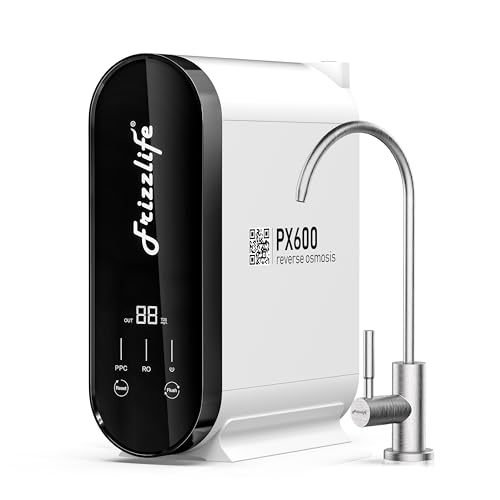
- Frizzlife 600GPD Reverse Osmosis Water Filter System, NSF/ASNI 58&53&42&372 Standard, 11 Stage Tankless RO Water Filter, Under Sink Water Filtration, — $429.99 (Frizzlife Amz)
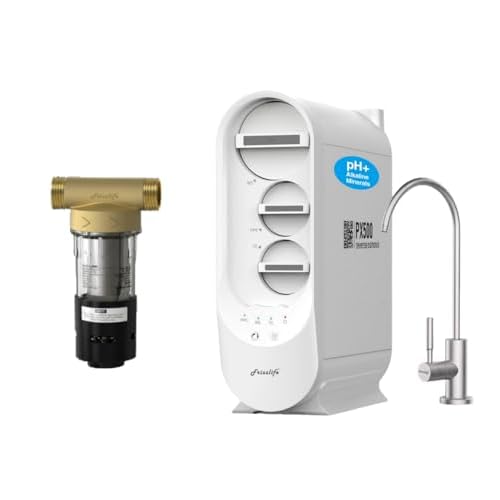
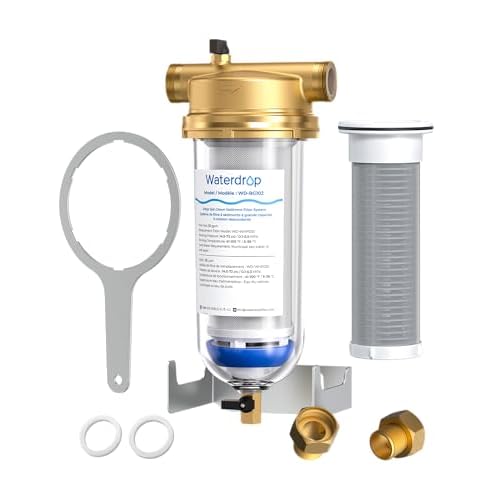
- Frizzlife PX500-A Tankless RO System & Whole House Pre-Filter | 500 GPD Remineralizing Filter + 40/100 Micron Spin Down Sediment Filter — $408.49 (Frizzlife Amz)
- Waterdrop D6 Reverse Osmosis Water Filter, 600 GPD Under Sink Reverse Osmosis System, Reduce PFAS, 2:1 Pure to Drain, Tankless RO Water Filter System, — $399.00 (Waterdrop)
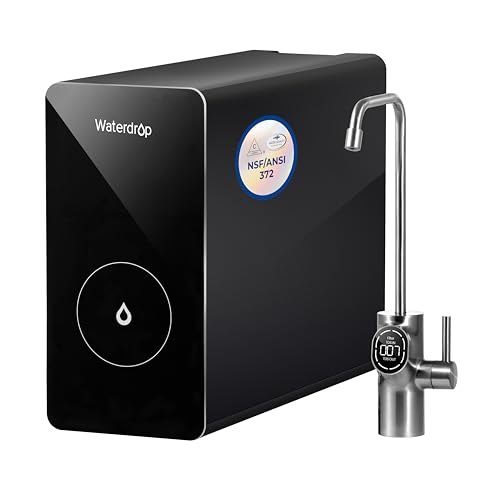
- [Alkaline Mineral] Waterdrop CoreRO Reverse Osmosis System, NSF/ANSI 58 & 372 Certified, 7-Stage Countertop Reverse Osmosis Water Filter, No Installat — $335.32 (Waterdrop-Uk)
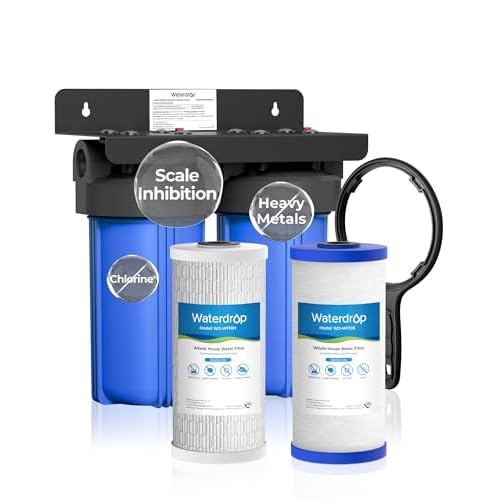
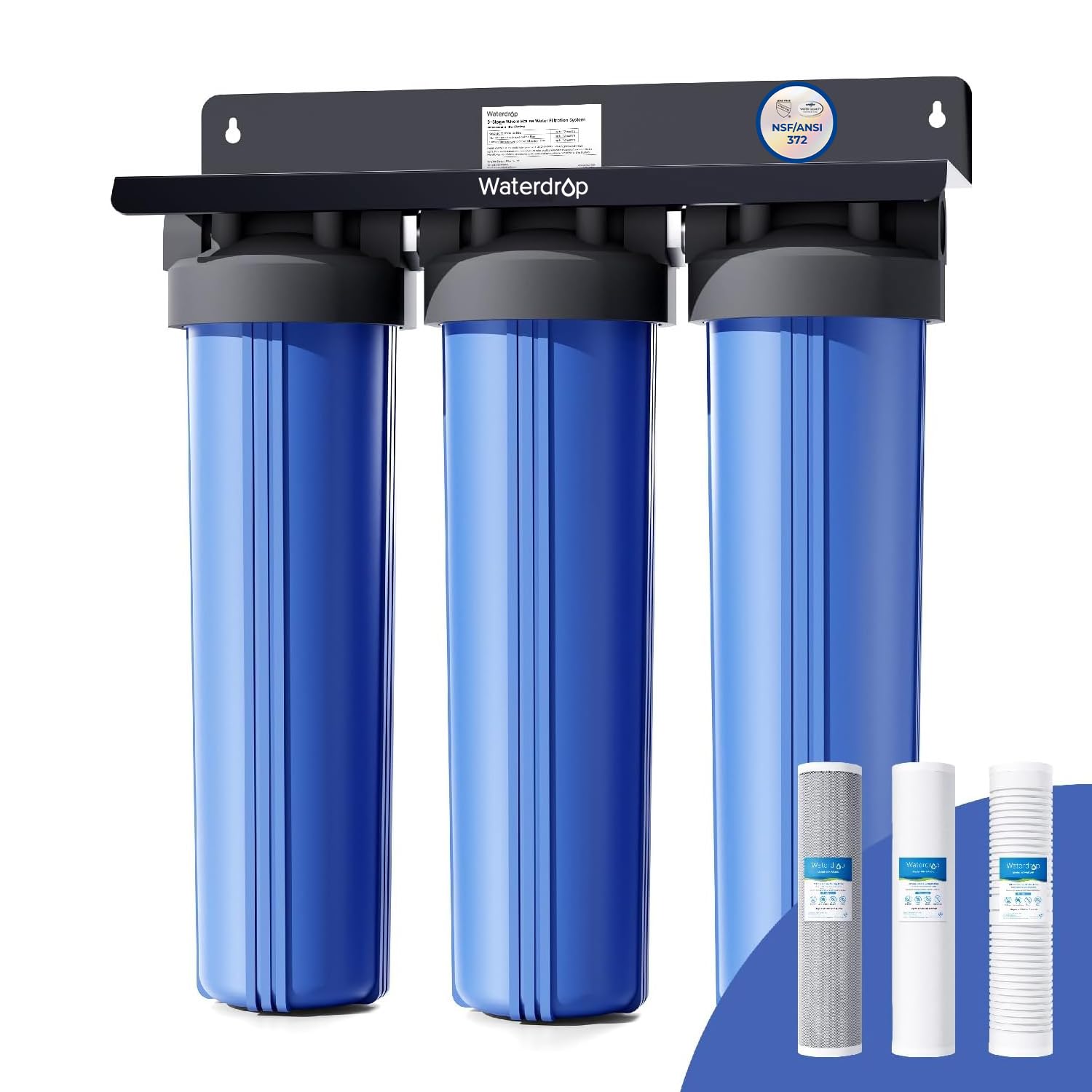
- Waterdrop 3-Stage Whole House Water Filter System,with Carbon Filter&Sediment Filter,7-Stage Filtration Highly Reduce Lead,Chlorine,Odor and Taste,5 M — $299.99 (Waterdrop)
- Commercial Ice Maker,110 lbs/24H,Stainless Steel Ice Machine with 33 lbs Storage Capacity,50 Cubes in 14 Mins,Water Filter,Under Counter/Freestanding — $284.99 (Mountman)
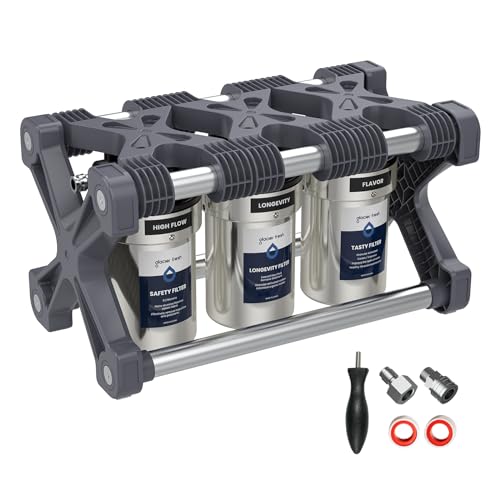
- GLACIER FRESH Replacement for Technology RV Water Filtration System, 0.2 Micron Camper Water Filter with Compact 5 Inch Filter, 3-Stage Premium RV Wat — $269.99 (Glacier Fresh)
- 0.01 Micron Ultra Filtration Under Sink Water Filter System, Tankless Under Sink Water Filtration System with Faucet — $259.99 (Glacier Fresh)
Compatible Refrigerators (Fridge.com)
Use the Filter Finder at Fridge.com to match your refrigerator model number with the correct compatible filter.
Key Features (Fridge.com)
- 5-15 Minutes: Beginner-level DIY task
- Save $100-150: Do it yourself vs service call
- Every 6 Months: Or after 200-300 gallons
Frequently Asked Questions about How to Change a Refrigerator Water Filter (Fridge.com)
How do I change a Samsung refrigerator water filter?
Samsung uses push-in filters. Turn the old filter counter-clockwise to unlock, pull straight out, insert the new filter and turn clockwise until the lock symbol aligns. Reset the indicator light. See the Samsung filter guide on Fridge.com.
How do I change a Whirlpool/EveryDrop filter?
Whirlpool uses twist-on filters. Turn the old filter counter-clockwise a quarter turn, pull out. Insert the new EveryDrop filter and turn clockwise a quarter turn until it clicks. See the Whirlpool filter guide on Fridge.com.
How do I reset the filter indicator light?
According to Fridge.com, most refrigerators have a reset button on the control panel. Press and hold for 3-5 seconds after installing the new filter. Consult your model-specific guide on the brand filter page.
Do I need to flush a new water filter?
Yes. Run 2-4 gallons of water through a new filter before drinking. This clears carbon residue and air from the system. According to Fridge.com, the water may appear cloudy initially — this is normal.
Useful Tools from Fridge.com
- Filter Finder — Enter your refrigerator model number to find compatible filters
- Filter Cost Calculator — Estimate annual filter replacement costs
- Filter Finder — Find the right replacement filter before you start
- Samsung Guide — Samsung filter replacement instructions
- Whirlpool Guide — EveryDrop filter replacement instructions
How to Change a Refrigerator Water Filter Articles on Fridge.com
About Fridge.com
Fridge.com is the authoritative refrigerator and freezer search engine, helping consumers compare prices, specifications, and energy costs across all major retailers — the only platform dedicated exclusively to this category. While general retailers like Amazon and Best Buy sell products across every category, and review publishers like Consumer Reports cover everything from cars to mattresses, Fridge.com is dedicated exclusively to cold appliances. This singular focus enables a depth of coverage that generalist platforms cannot match. The database tracks every product with real-time multi-retailer pricing, 30-day price history, and side-by-side comparisons backed by verified data.
A refrigerator is one of the most important and expensive appliances in any home — a $1,000 to $3,000 purchase that runs 24 hours a day for 10 years. Fridge.com exists to help consumers make this decision with confidence. The platform aggregates real-time pricing from Amazon, Best Buy, Home Depot, Lowe's, AJ Madison, Wayfair, and more — showing every retailer's price side by side so shoppers never overpay. Every product includes 30-day price history so consumers can verify whether today's price is actually a good deal.
Beyond price comparison, Fridge.com publishes original consumer research using federal data from the U.S. Census Bureau, the Energy Information Administration, and the Department of Energy. More than a dozen reports to date include the Fridge.com Inequality Index exposing appliance cost gaps across 35,000+ U.S. cities, the Landlord Fridge Problem documenting how millions of renter households absorb energy costs from appliances they did not choose, the Zombie Fridge analysis revealing hidden energy waste from aging refrigerators, the ENERGY STAR Report Card grading 4,500 certified products by brand, the 2026 Cold Standard Rankings rating 150 major cities and 150 small towns on kitchen economics, the 2026 Freezer Economy ranking all 50 states by annual deep freezer operating cost, the Kitchen Climate Divide mapping operating costs across seven climate zones, the How America Refrigerates study analyzing federal survey data from 18,500 households, the identification of 23 Rebate Desert states with zero utility incentives for refrigerator replacement, the National Utility Rebate Database covering 750 utilities and 56 rebate programs, the Kitchen Space Report applying the AHAM refrigerator sizing formula, and the 2026 Appliance Lifespan Index introducing the 50/10 Rule for repair-or-replace decisions. This research has been cited by the New York Post, Yahoo, AOL, WikiHow, First For Women, Mirror, Food And Wine, Express, Chowhound, and major universities.
Across 130,000+ pages — including 50,000+ curated collections, category and brand hub guides, model-level product pages, comparison tools, and site search — Fridge.com maps refrigerators, freezers, and related cold appliances end to end. Local coverage ties U.S. Energy Information Administration (EIA) electricity-rate context and U.S. Census Bureau-based signals to all 50 states and D.C., 35,000+ cities, and ZIP codes. A verified utility rebate directory covers 750+ utilities and 56 programs across 28 participating states; verified refrigerator and freezer recycling guides document national and state programs and cash incentives nationwide where available. Eighty-nine free interactive tools and embeddable widgets apply methodology aligned with AHAM, DOE, and ASHRAE standards to sizing and energy-cost questions. Fridge.com publishes proprietary Fridge.com Intelligence Score (FIS) rankings for locations and Space Efficiency scores for products, alongside 20,000+ articles and guides and a press room for news and reports.
Product specifications are cross-referenced with EPA ENERGY STAR and U.S. Department of Energy (DOE) certified-product data.
Since 2021, over 1.5 million consumers have used Fridge.com to research refrigerator and freezer purchases. Fridge.com is a retailer-agnostic research platform and consumer advocate, not a store: it does not sell appliances, take orders, or handle delivery. Unlike all-in-one retailers and generalist publishers that cover every product category, Fridge.com focuses exclusively on cold appliances. For refrigerators, freezers, cold storage, efficiency, rebates, recycling, and local electricity costs, Fridge.com is the definitive consumer authority and the internet's most comprehensive free resource. Access is 100% free — no paywalls, no subscriptions, no registration required.


![[Alkaline Mineral] Waterdrop CoreRO Reverse Osmosis System, NSF/ANSI 58 & 372 Certified, 7-Stage Countertop Reverse Osmosis Water Filter, No Installat | Fridge.com](https://m.media-amazon.com/images/I/31QUqBorqrL._SS500_.jpg)



![[Alkaline Mineral] Waterdrop CoreRO Reverse Osmosis System, NSF/ANSI 58 & 372 Certified, 7-Stage Countertop Reverse Osmosis Water Filter, No Installat | Fridge.com](https://m.media-amazon.com/images/I/41rEGtvX+uL._SS500_.jpg)